






When it comes to building a resume that impresses recruiters, Resume Now provides free resume guides, expert advice, cover letter tips, and interview resources that will empower you to tackle the job search with confidence.
You can use Resume Now's AI Resume Builder for free by taking advantage of its no-cost features. In this guide, we'll show you exactly how to create, edit, and download a resume using Resume Now without paying, plus what's included in the 14-day trial that costs just $1.85.
6 Steps to Use Resume Now's Builder for Free
Resume Now's free features help you overcome writer's block and create an ATS-friendly resume—no payment required. Even without premium features, you can build a resume you're proud of. Here's how:
Step #1
Open Resume Now's AI Resume Builder
To get started, you'll need to open Resume Now's Resume Builder tool.
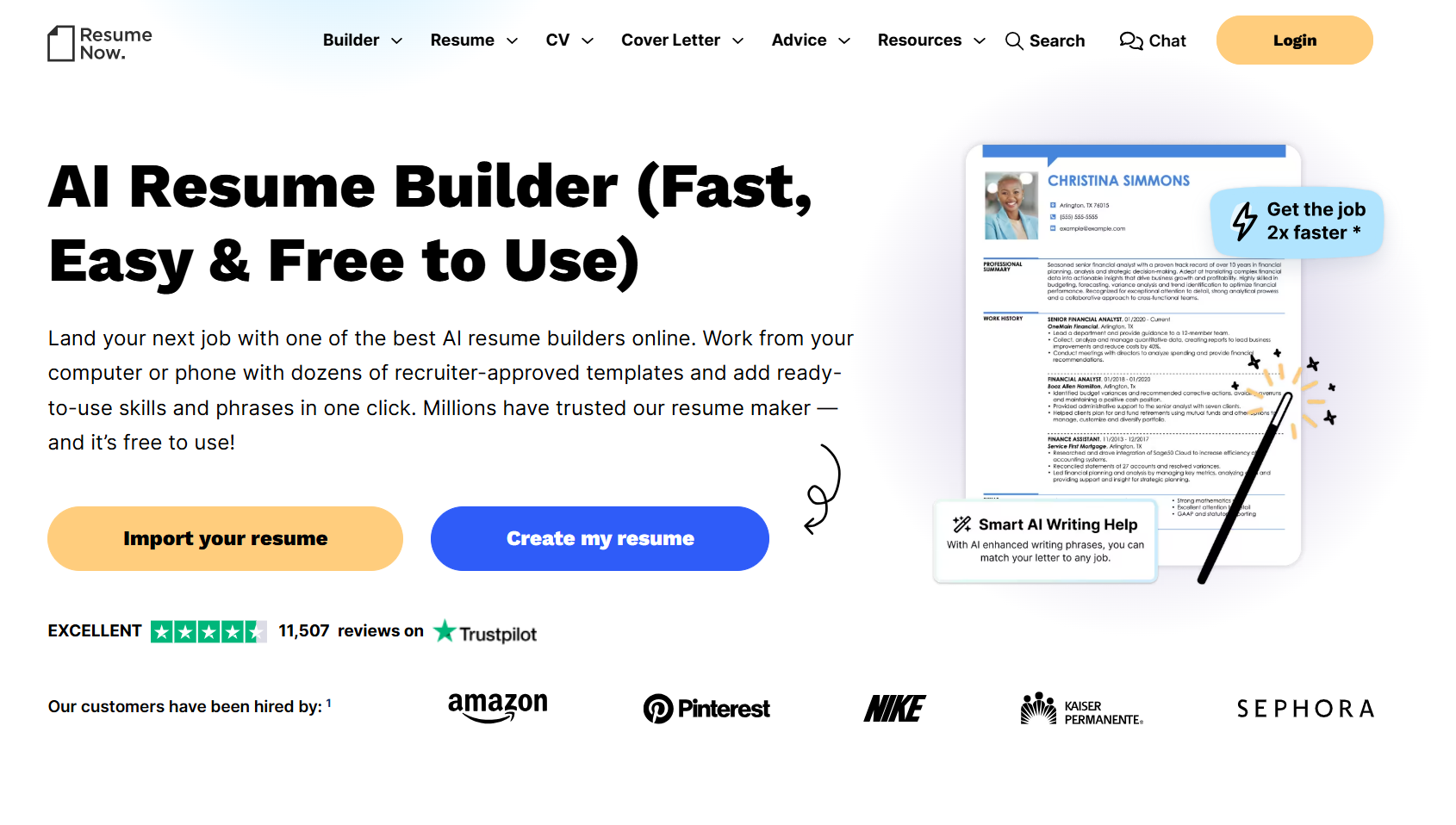
Click on "Import your resume" or "Create my resume" on the Resume Now homepage, or "Build my resume" on resume-writing guides or blog posts.
Step #2
Select a Professional Resume Template
Next, you'll pick a resume template to visualize the layout while you work on your resume.
Resume Now's resume templates come in a variety of styles for workers from any industry or background, from colorful, creative templates for job seekers looking to express their individuality to sleek modern templates designed to communicate professionalism.
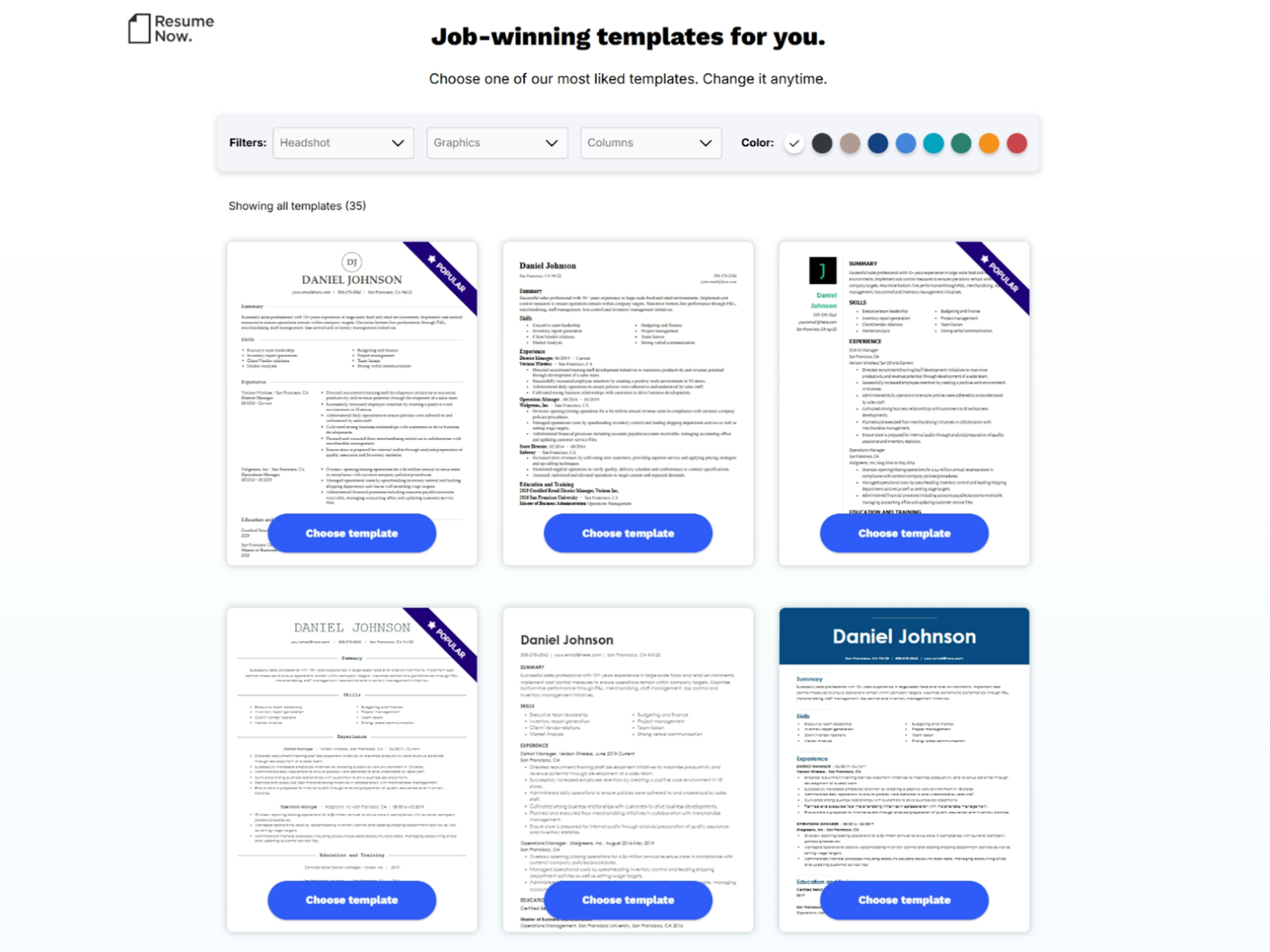
Once you've chosen a resume template to work on, it's time to start the writing process!
Use the color selector to customize the colors of your chosen resume template. Whether you're looking for something classic and understated or a pop of color, Resume Now lets you explore what works for you.
Step #3
Upload Your Resume or Start Fresh
Next, you'll be prompted to import an existing resume or create a new one in the builder.
If you have a resume you'd like to update or improve, upload it as a DOC, DOCX, PDF, HTML, RTF, or plain-text (TXT) file, or import it directly from Dropbox, Google Drive, or your device.
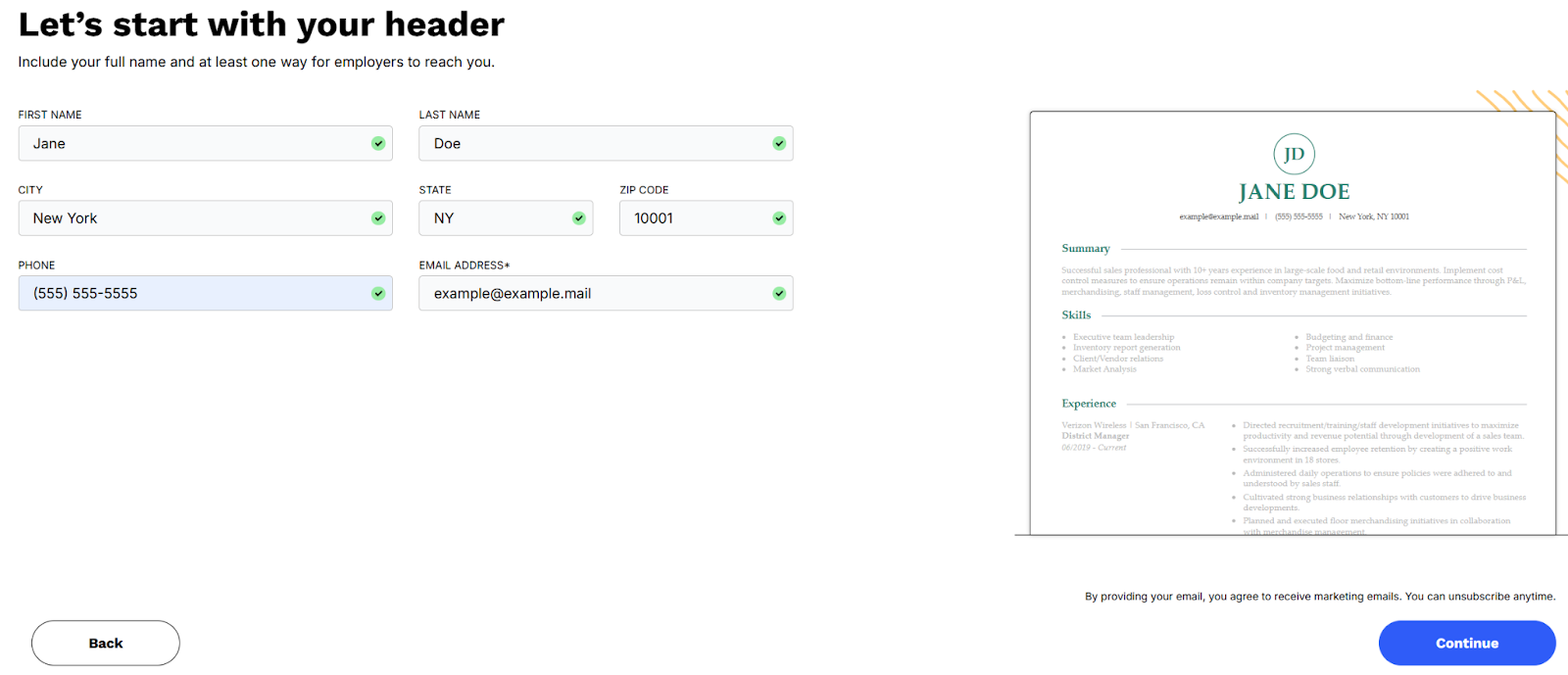
Once you've uploaded your resume or started a new one, you'll be prompted to enter your contact details. Our builder will then organize them into a professional resume header for you.
Step #4
Add Your Background & Choose Personalized Content Suggestions
Next, you'll be prompted to answer questions about your career, including current and previous roles. The information you enter will determine the content Resume Now suggests for you.
Choose the bullet points that best describe your experience, and edit them to ensure they're accurate and tailored to your needs. You can also refine your content by clicking "Enhance with AI" to improve clarity, wording, and impact.
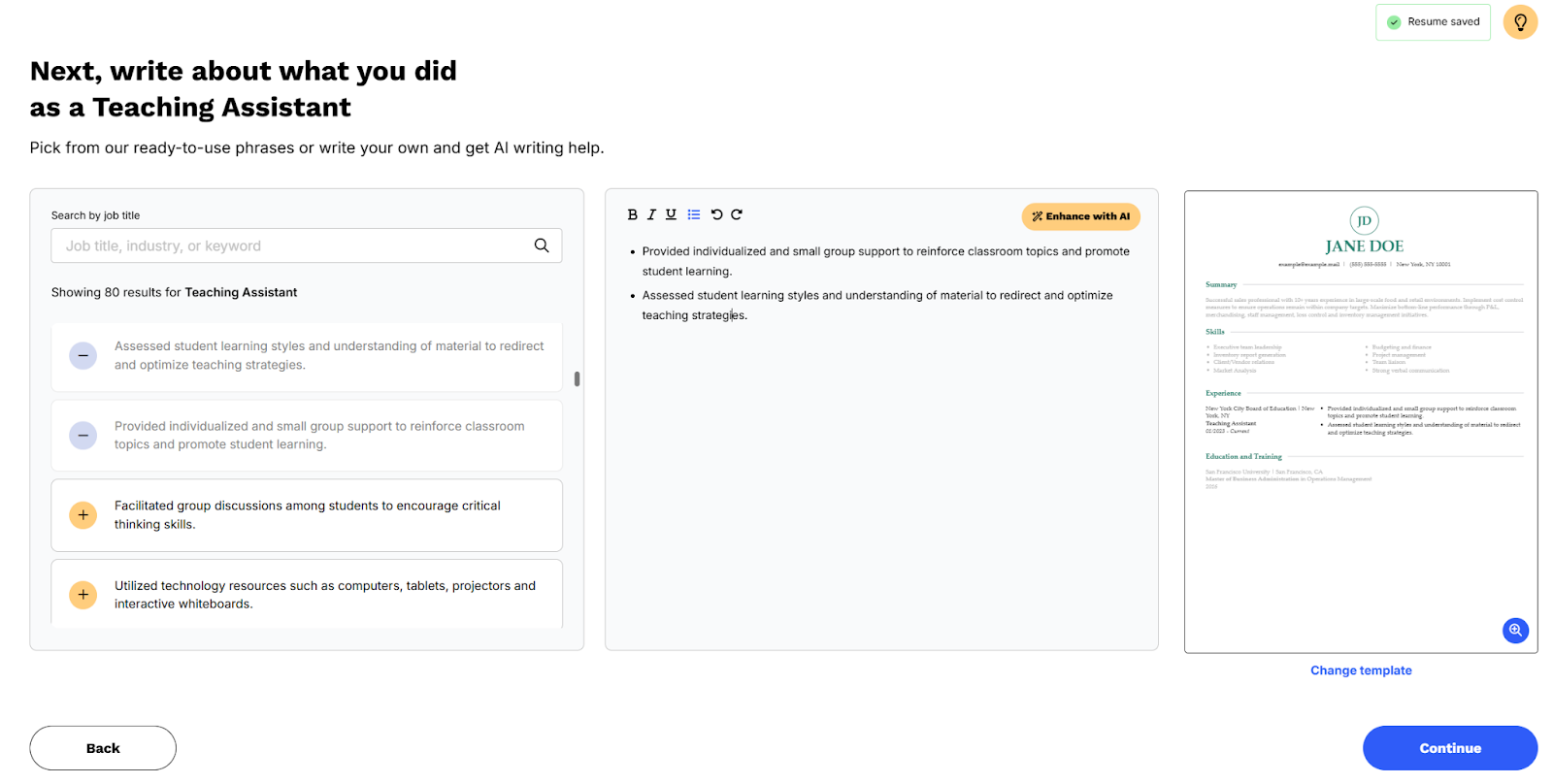
As you build your resume, the AI Resume Builder updates it in real time so you can see how everything looks together.
Continue this process through each section, including experience, skills, education, and your resume summary. You can also add optional sections like hobbies, awards, certifications, and volunteer work.
Step #5
Review Your Resume
When you're finished building your resume, you'll have another chance to review it to ensure it meets your standards. Use the built-in spell-check feature to scan for typos and make sure your content is error-free and ready to download.
You can also edit your font style and size, and adjust line spacing and margins if needed. This is also your chance to switch templates to see how your details look in other premium resume designs.
Your free resume download will be a plain TXT file, but any changes to your template or formatting will be saved so you can revisit them if you decide to upgrade.
Step #6
Download Your Plain-Text Resume for Free
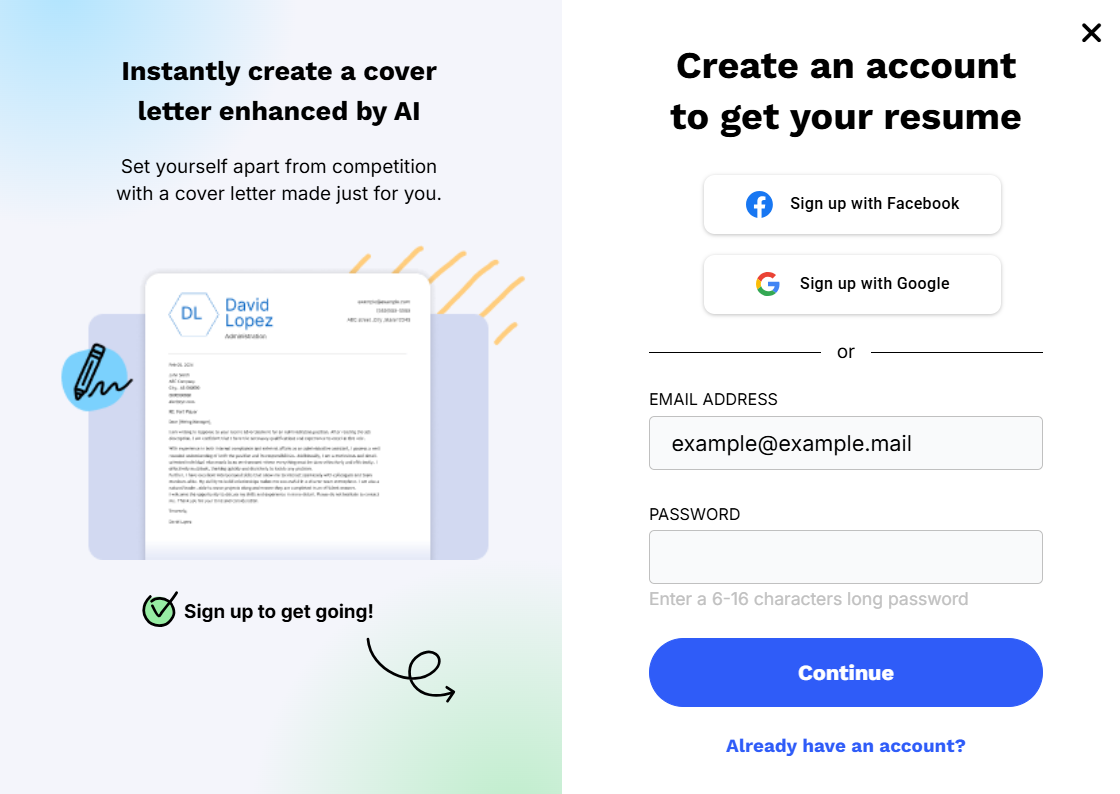
To download your resume for free, all you need to do is select TXT as the file type and create your free Resume Now account.
Use the email address that's on your resume or enter a new one and create your password. Hit "Continue," and your resume will download as a TXT file.
If you want to download a version using one of the premium templates, you'll need to upgrade to paid access.
Fortunately, our 14-day trial is only $1.85, and you can cancel at any time. After 14 days, this service renews at $23.85 every four weeks. You may also try the discounted annual subscription, which bills at $70.20 for the year.
No matter which subscription model you choose, your resume will be saved, and you can always come back to it and try a different premium template with unlimited downloads.
Frequently Asked Questions
Last Updated: May 04, 2026
Yes, you can build your resume for free using Resume Now's AI Resume Builder, including creating and editing your resume throughout the process. You can download a basic version of your resume for free in TXT format.
To download a version using premium templates, you'll need to upgrade or start the $1.85 14-day trial.
Resume Now features available for free include our AI Resume Builder, which lets you create a resume with AI-powered content suggestions at no cost. You can download a basic version of your resume in TXT format, while premium file formats require an upgrade.
Free tools also include an ATS Resume Checker, Resume Summary Generator, and Resume Skills Generator to help optimize your resume.
You should use an AI resume builder because it can help you create a polished, targeted resume faster by suggesting relevant skills, improving wording, and optimizing your content for applicant tracking systems (ATS). It reduces guesswork, strengthens keyword alignment, and helps ensure your resume is professionally formatted.
Using Resume Now's AI Resume Builder can save time while helping you build a resume that stands out to employers.
Yes, it's okay to use AI on a resume. Many employers already use AI to screen resumes and identify qualified candidates. When used correctly, AI can help you organize your experience, improve wording, and tailor your resume to a job.
Resume Now's Custom GPT can provide guidance to refine your resume before you apply. Just ensure your final version is accurate, personalized, and reflects your real experience and voice.
Yes, you should use a professional resume template if you want a polished, ATS-friendly resume, but it's not required.
Resume Now's AI Resume Builder lets you create a free plain-text resume you can download and edit in a word processor. If you prefer, you can format your resume manually or upgrade to access premium templates for additional design options.


Hailey is a career advice writer dedicated to helping job seekers excel in their careers.
More resources

CV vs Resume: What's the Difference Between the Two
The complete guide to what is a CV (Curriculum Vitae) what a ...

Is It Illegal to Lie on Your Resume?
Many people consider stretching the truth about their educatio...
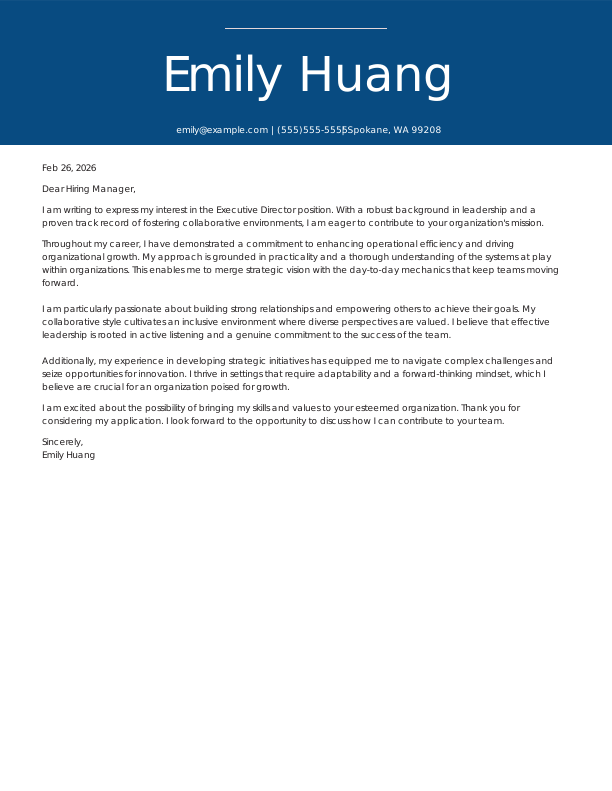
Executive Director Cover Letter: Examples & Templates
As an executive director you must demonstrate the strong lead...
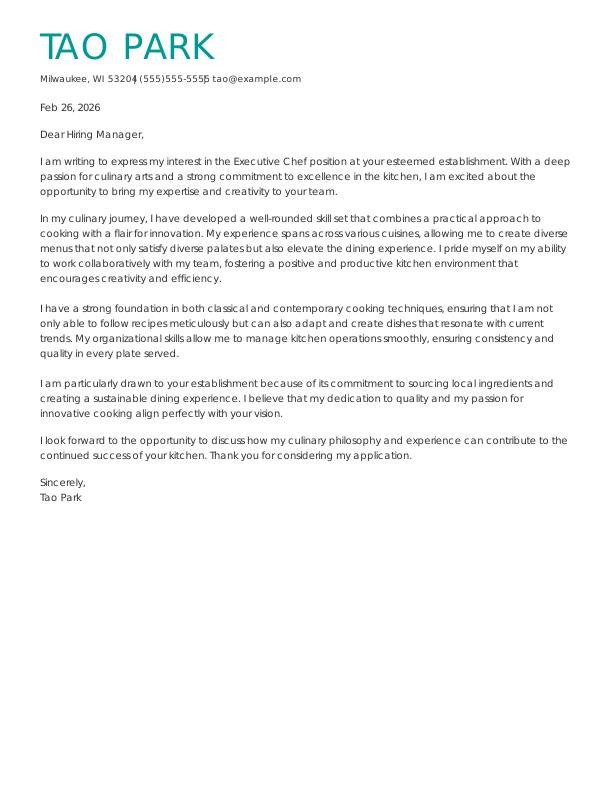
Executive Chef Cover Letter: Examples & Templates
As an executive chef you know that hiring managers are lookin...
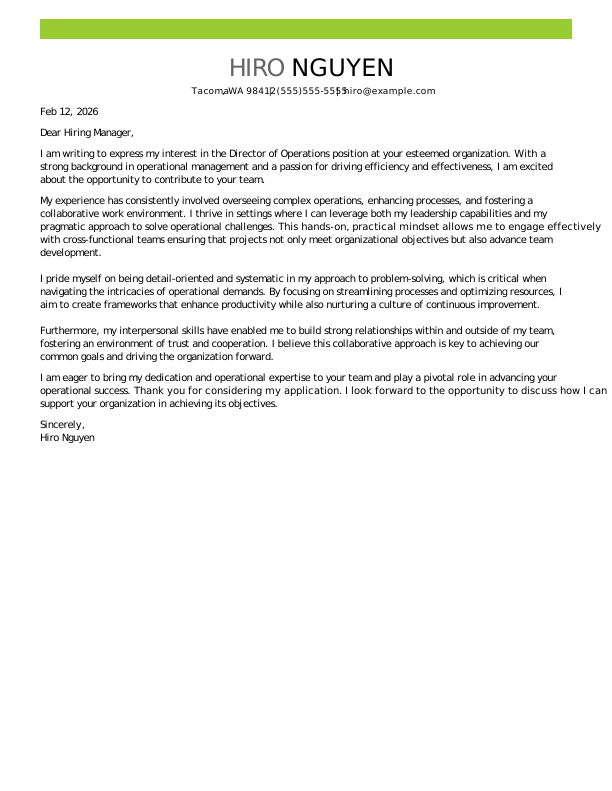
Director Of Operations Cover Letter: Examples & Templates
As a director of operations you need to present your leadersh...
 Get the job 2x faster*
  Customize your cover letter