
99 templates
empty-template-cta-cv
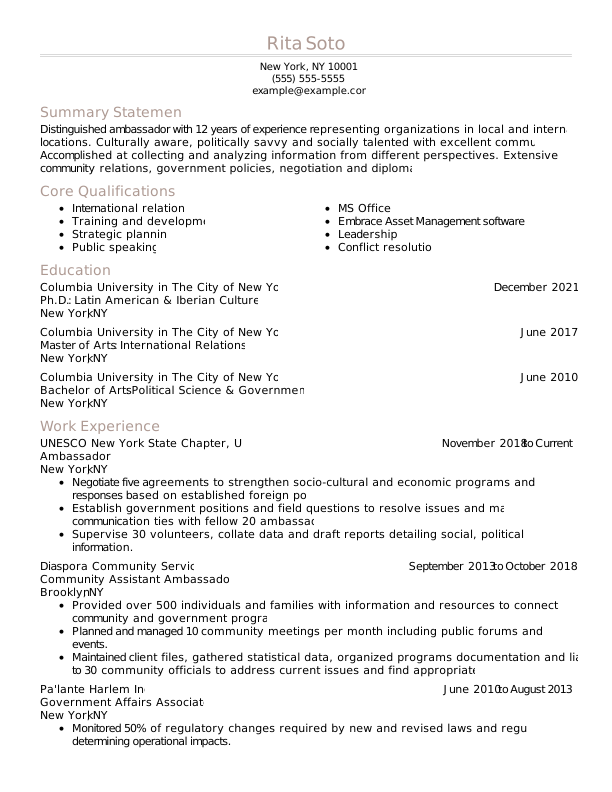
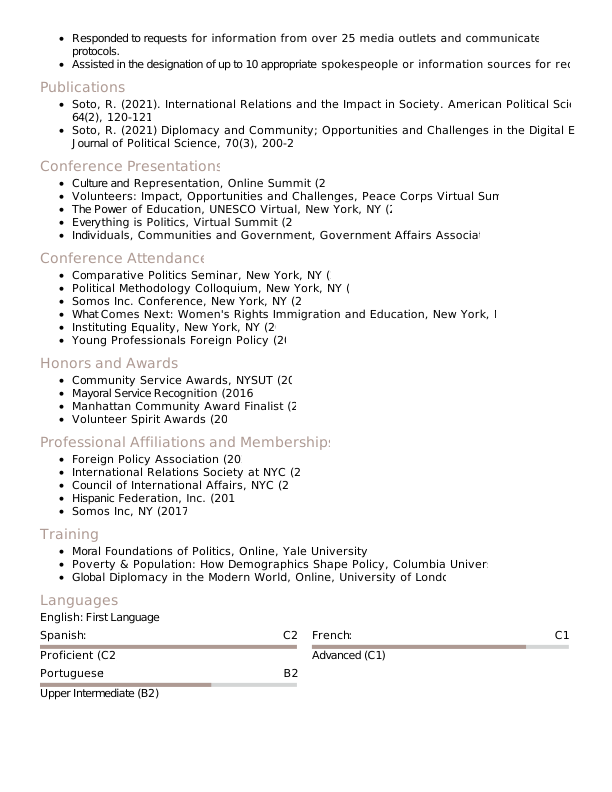
Evergreen Trusted Taupe
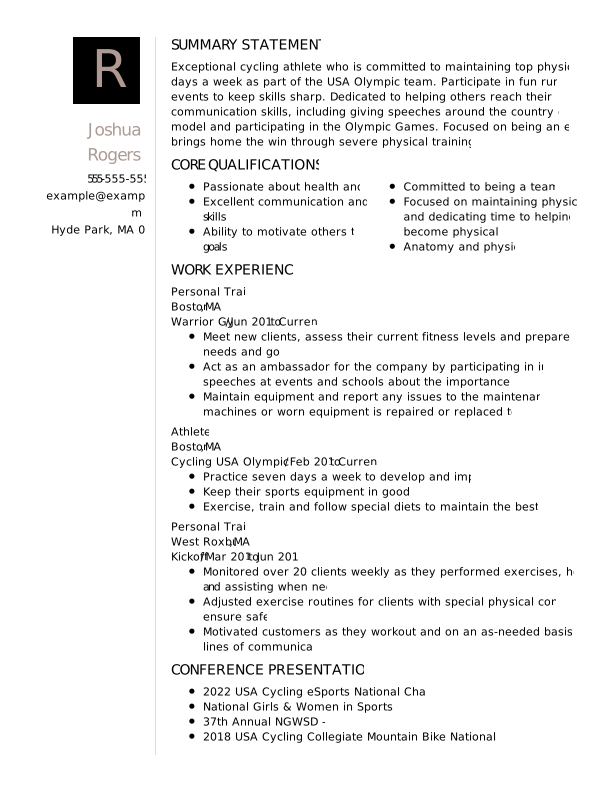
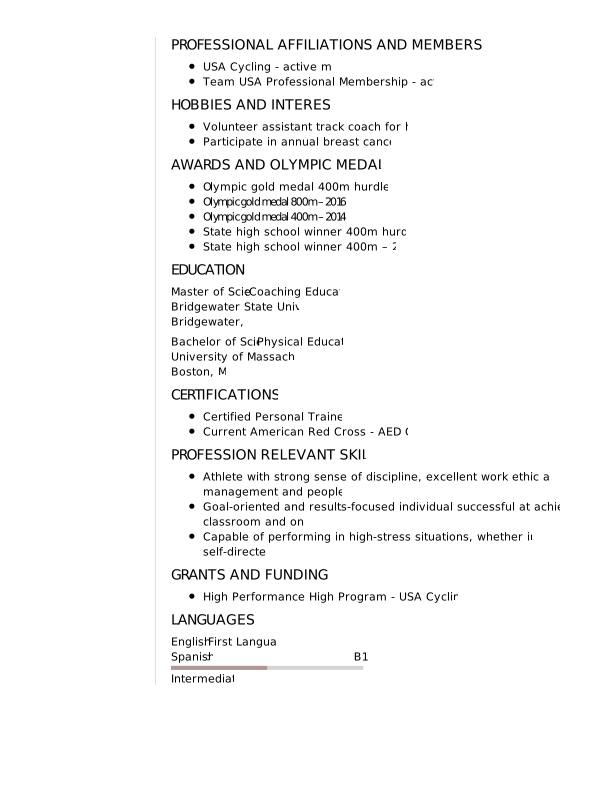
Monogram Trusted Taupe
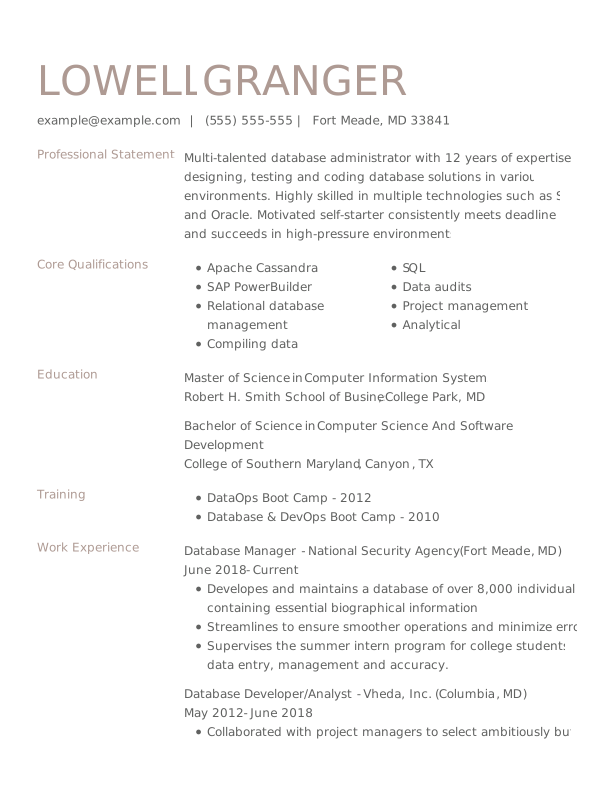
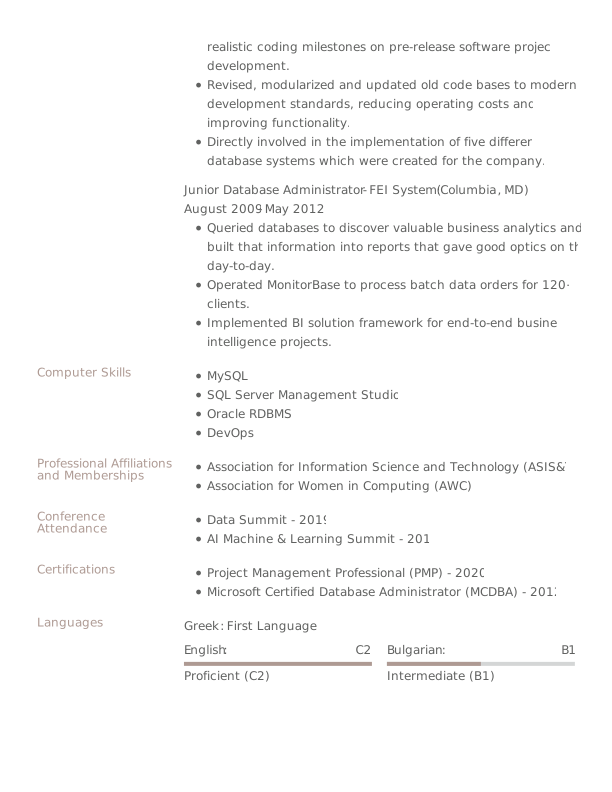
Upgrade Trusted Taupe
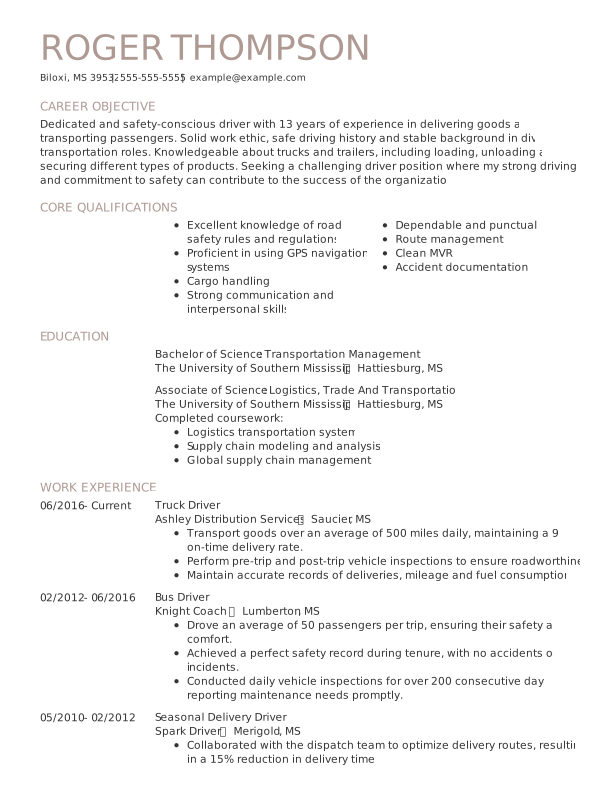

Aster Trusted Taupe
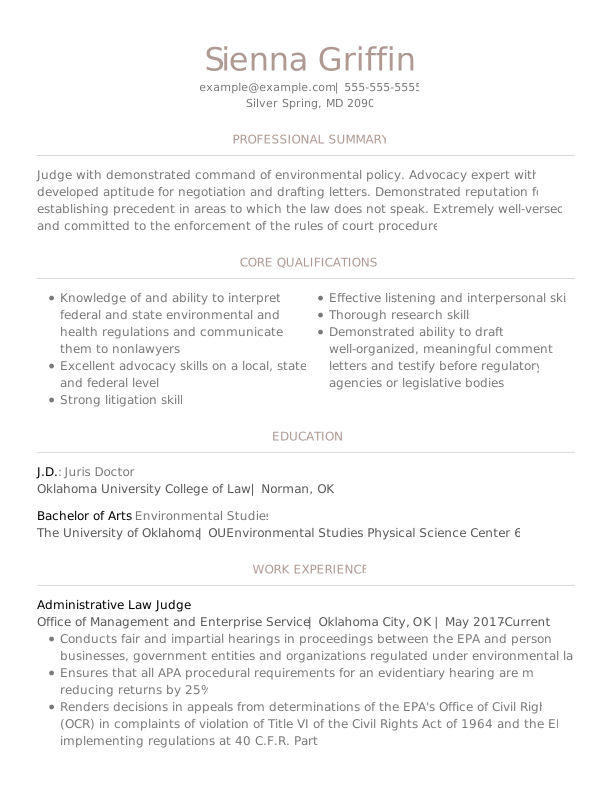

Spruce Trusted Taupe
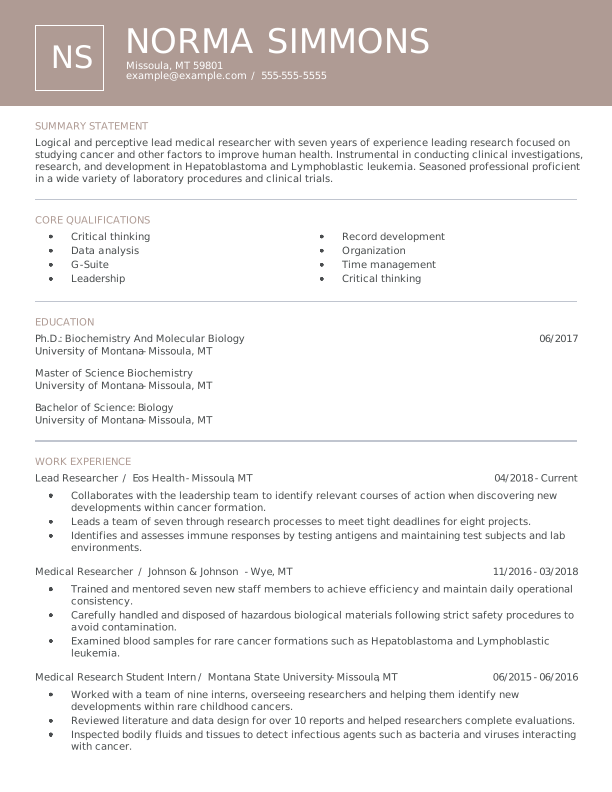

Lassen Trusted Taupe
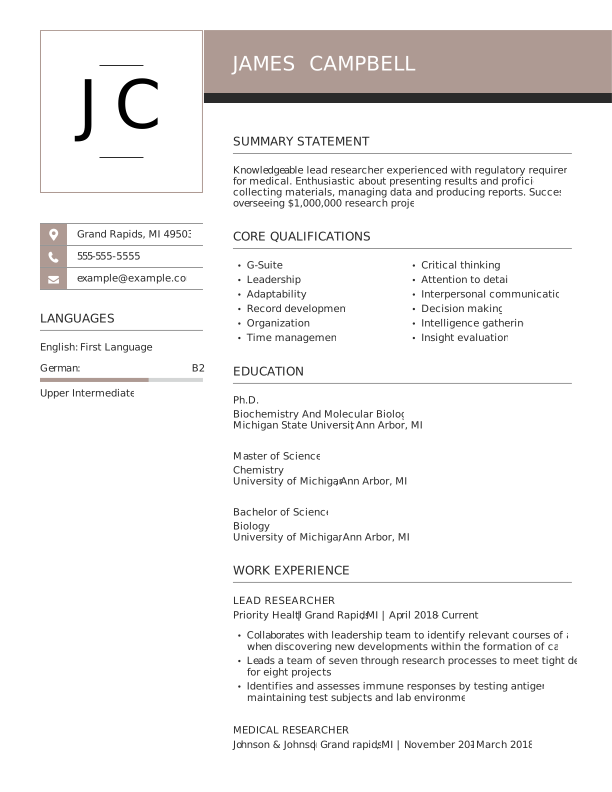

Unique Trusted Taupe
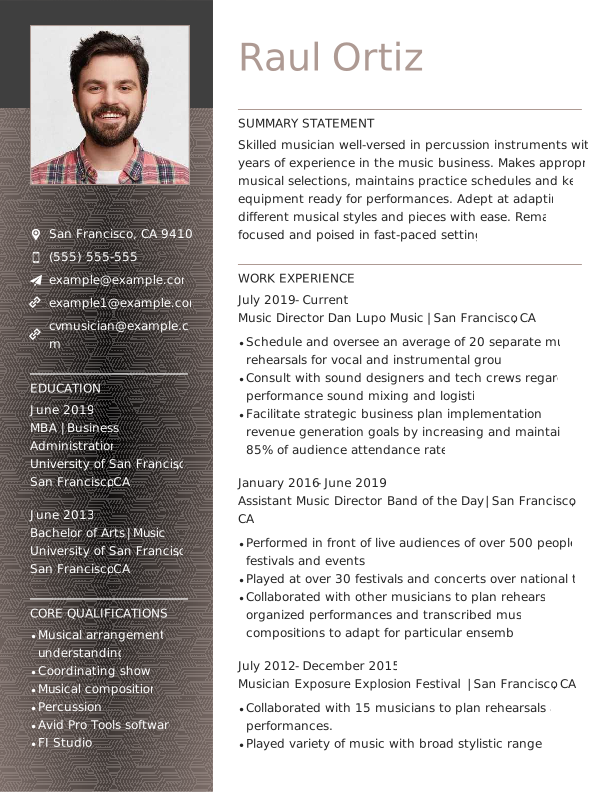

Spotlight Trusted Taupe
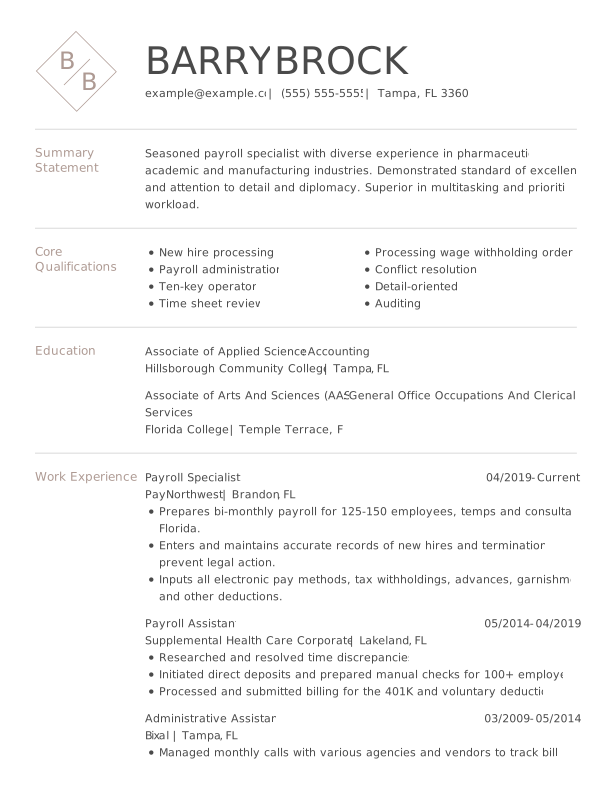

Aspen Trusted Taupe
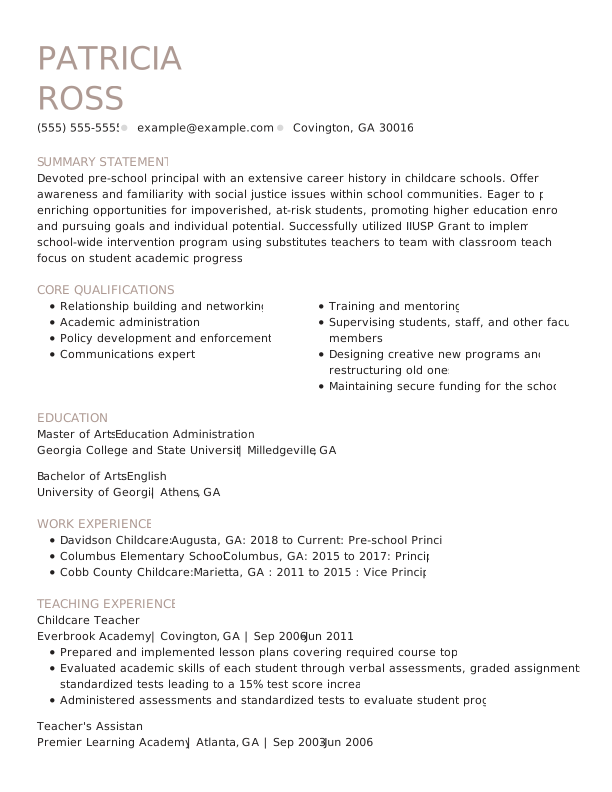

Zinnia Trusted Taupe
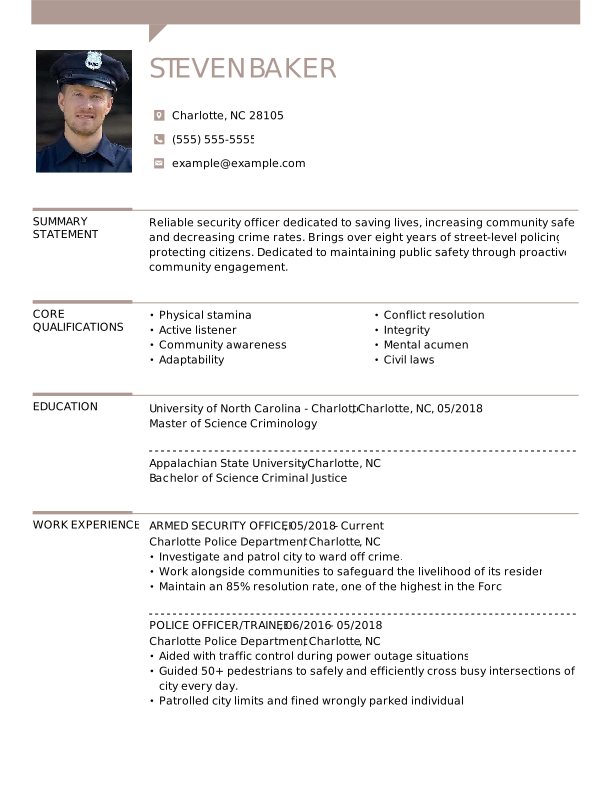

Snapshot Trusted Taupe
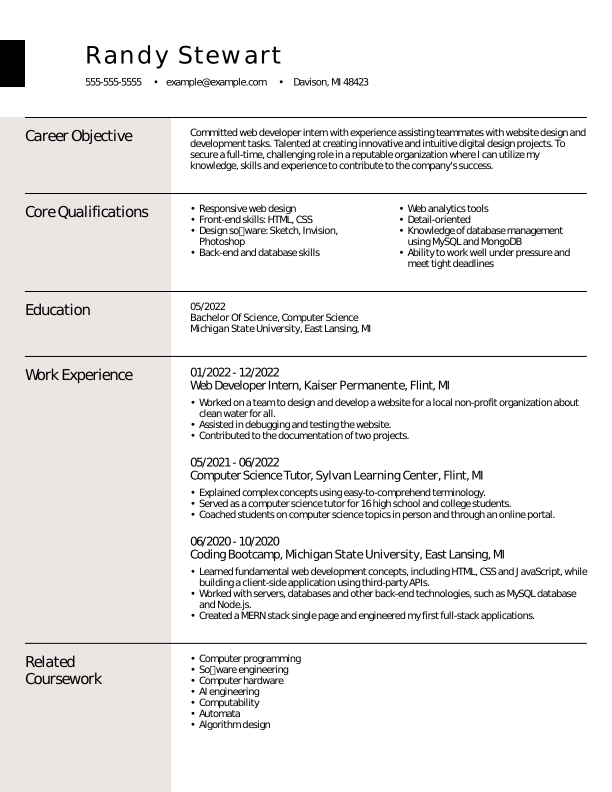

European Trusted Taupe
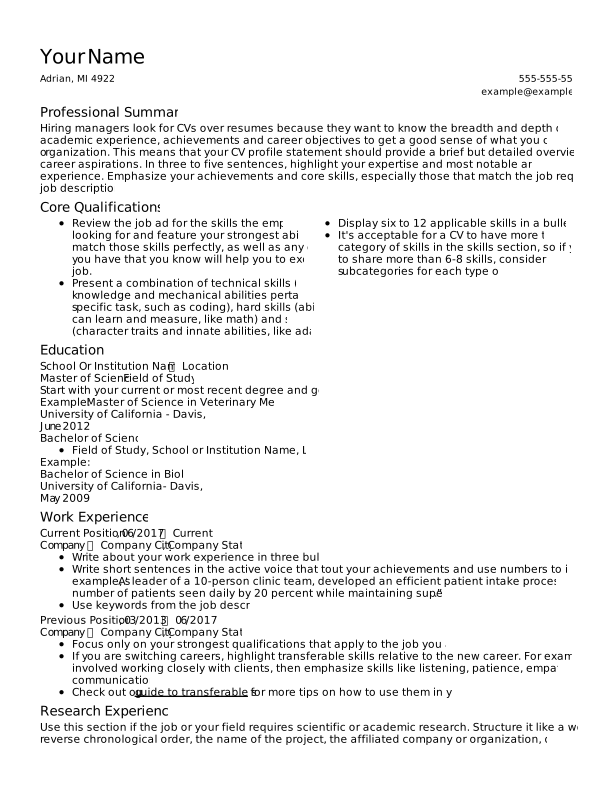
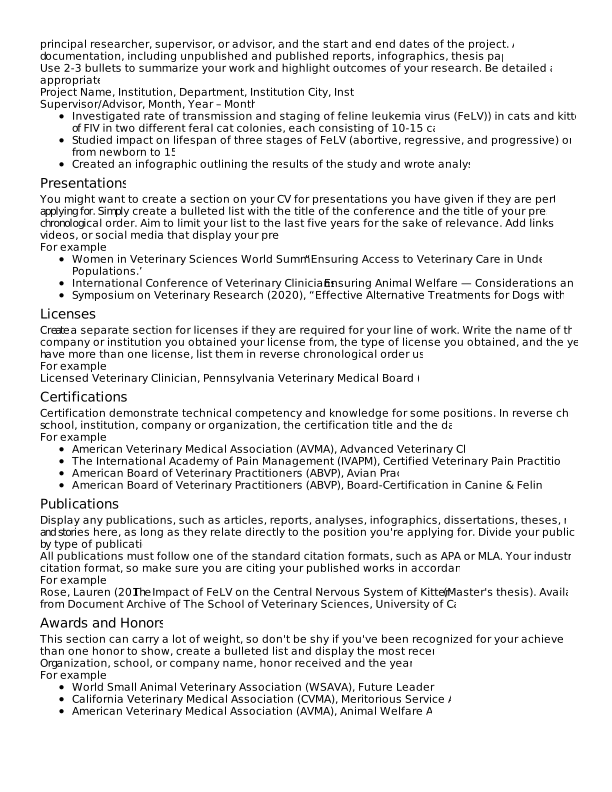
Alder Assertive Asphalt
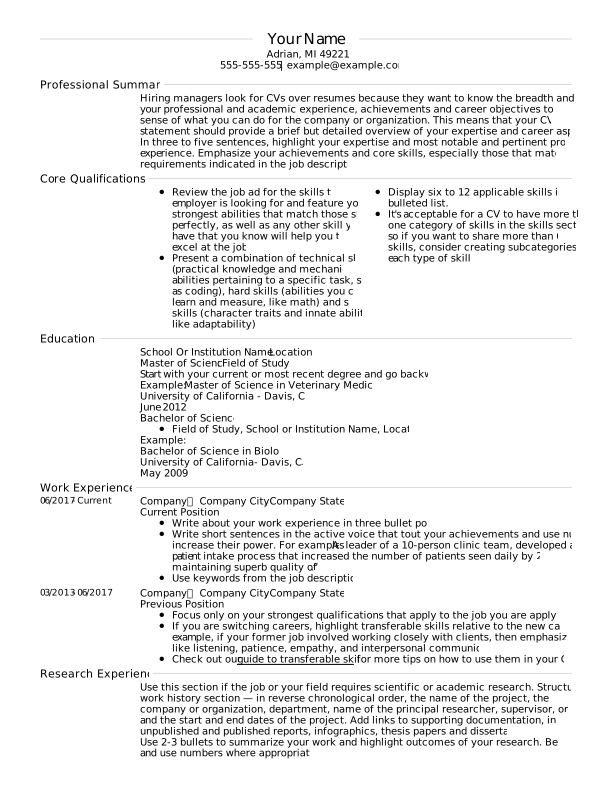
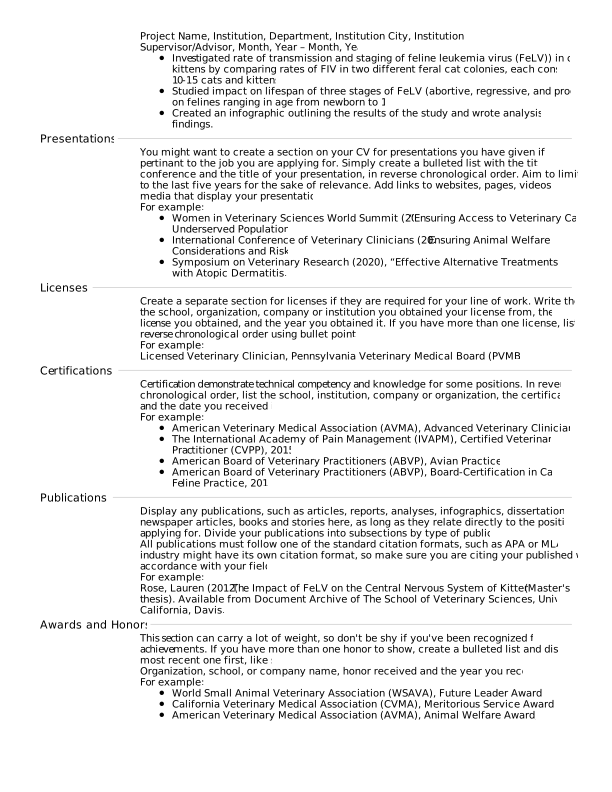
Crest Assertive Asphalt
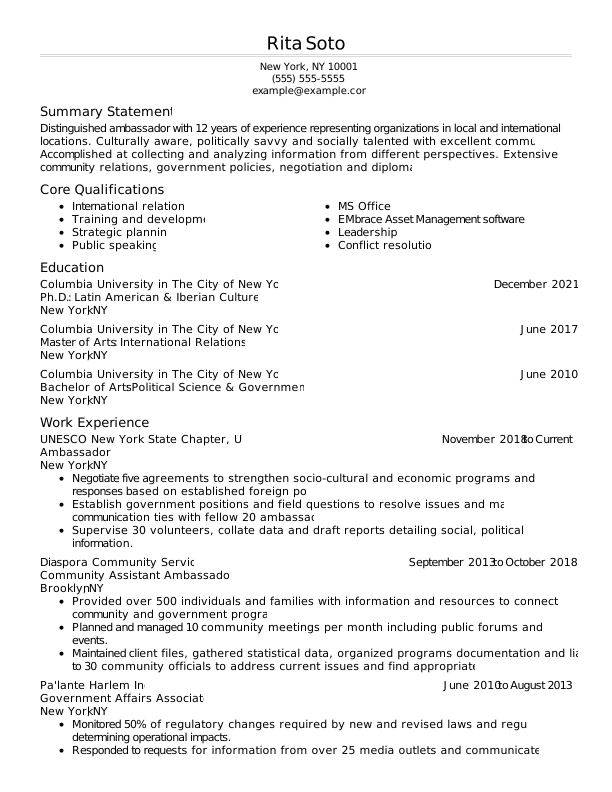
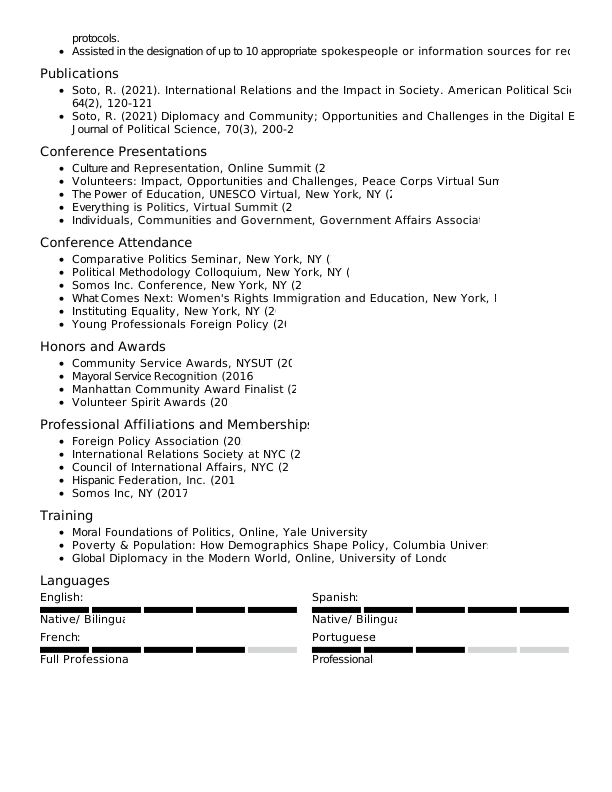
Evergreen Assertive Asphalt
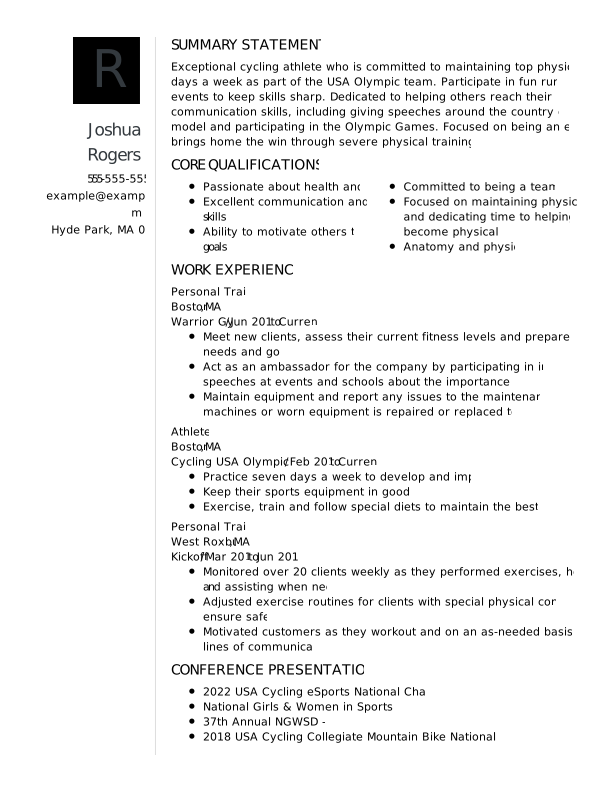

Monogram Assertive Asphalt
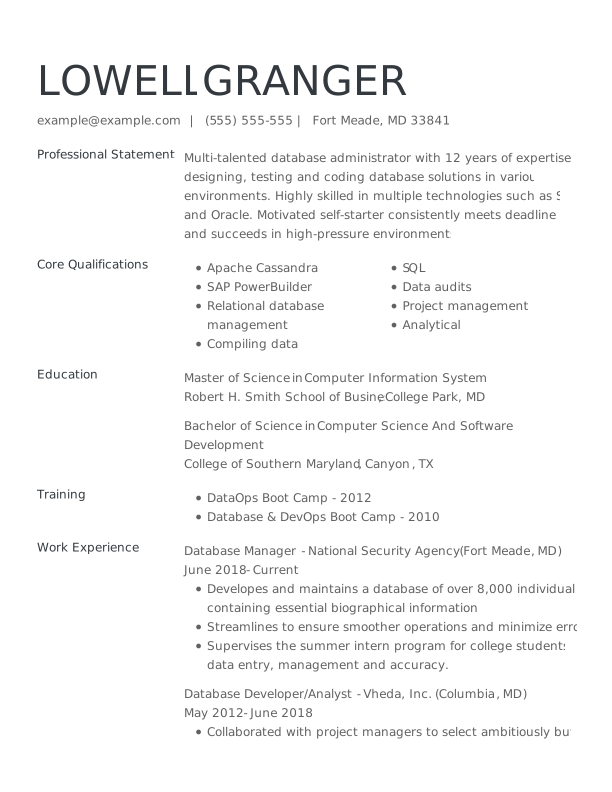

Upgrade Assertive Asphalt
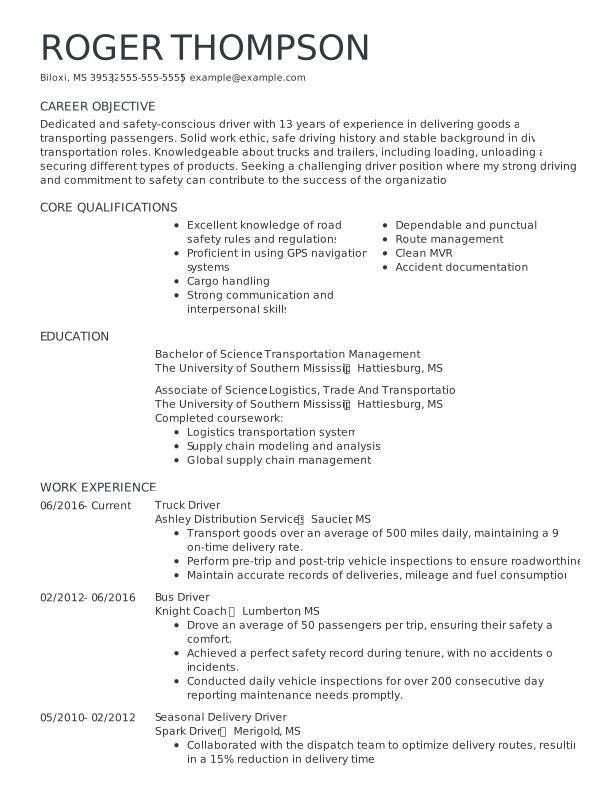

Aster Assertive Asphalt
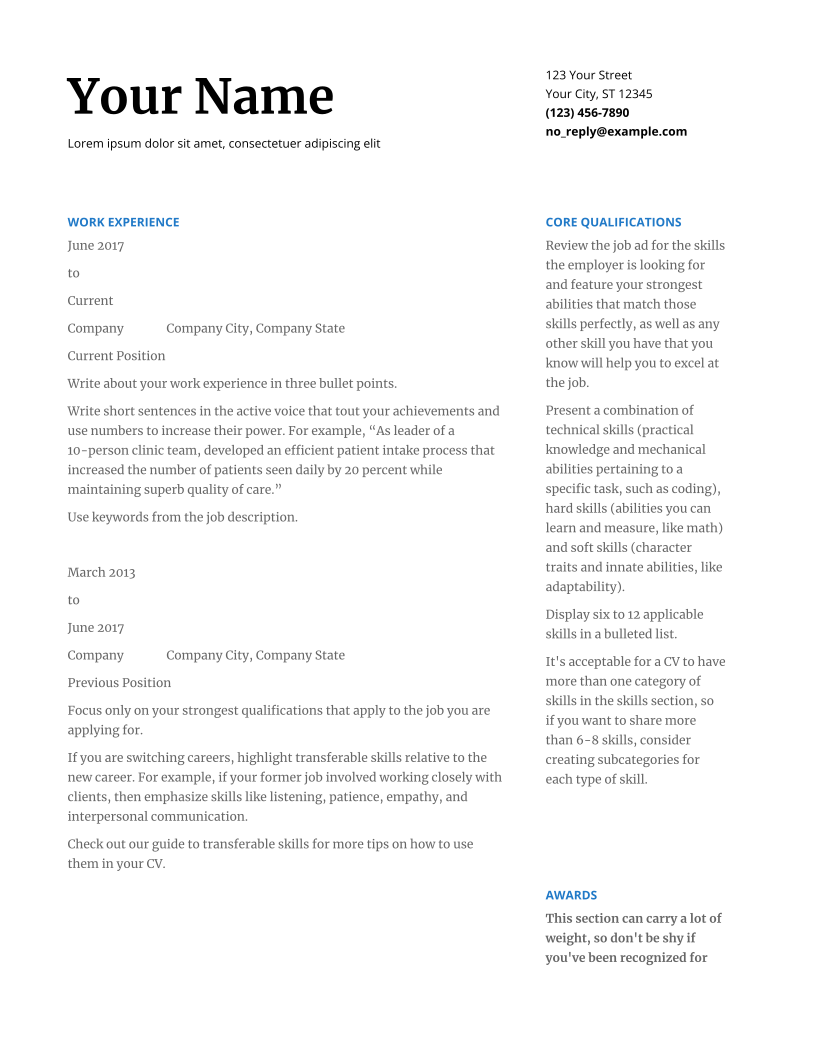
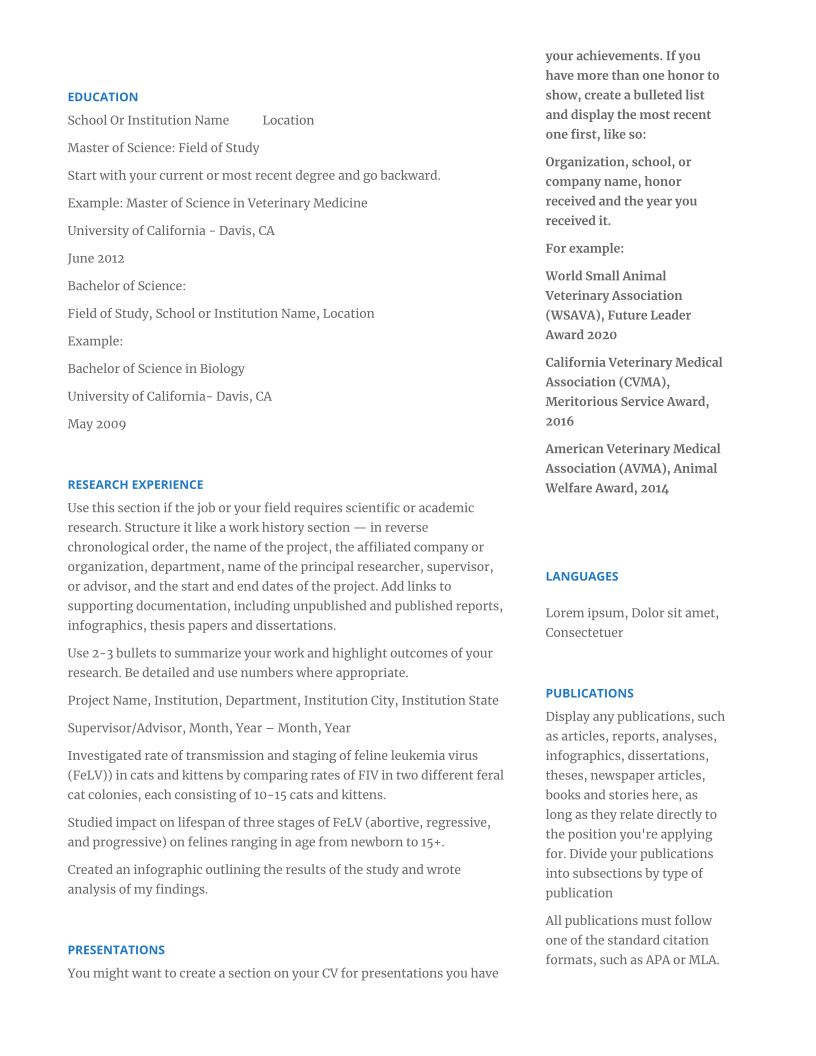
Meridian Assertive Asphalt
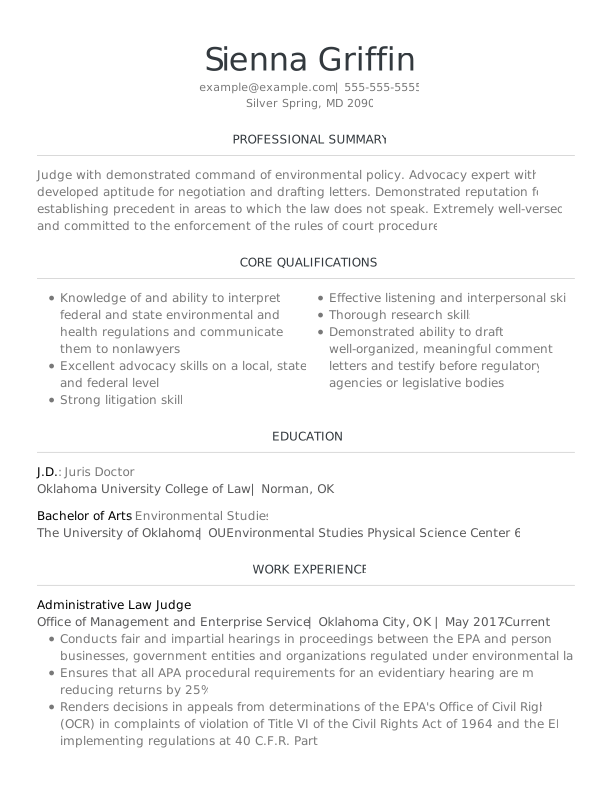

Spruce Assertive Asphalt
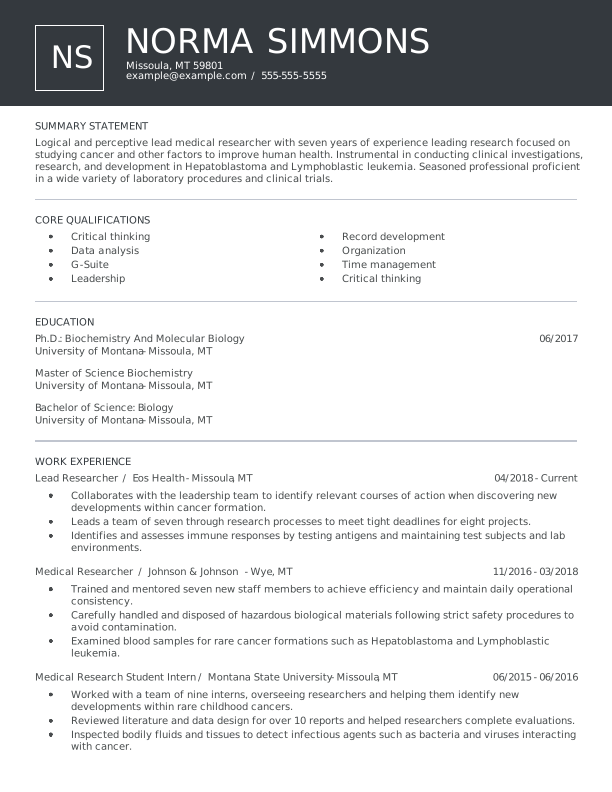

Lassen Assertive Asphalt
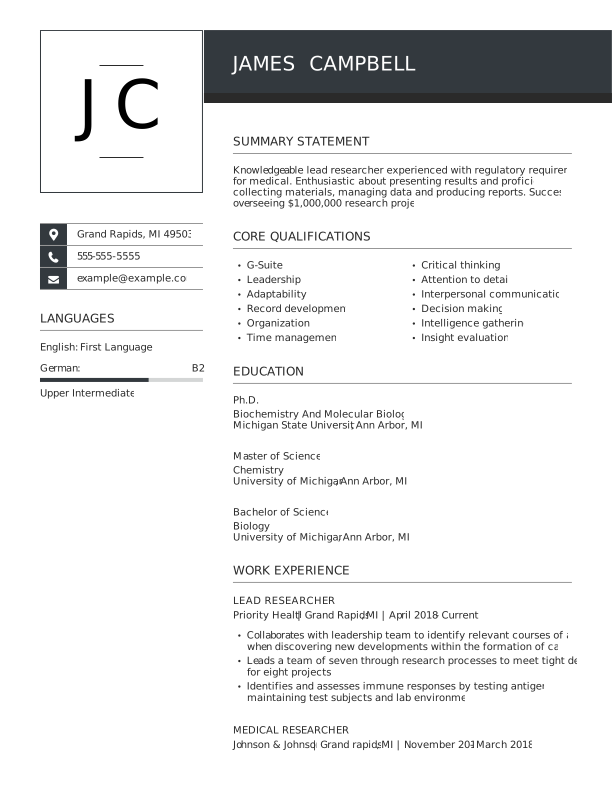

Unique Assertive Asphalt
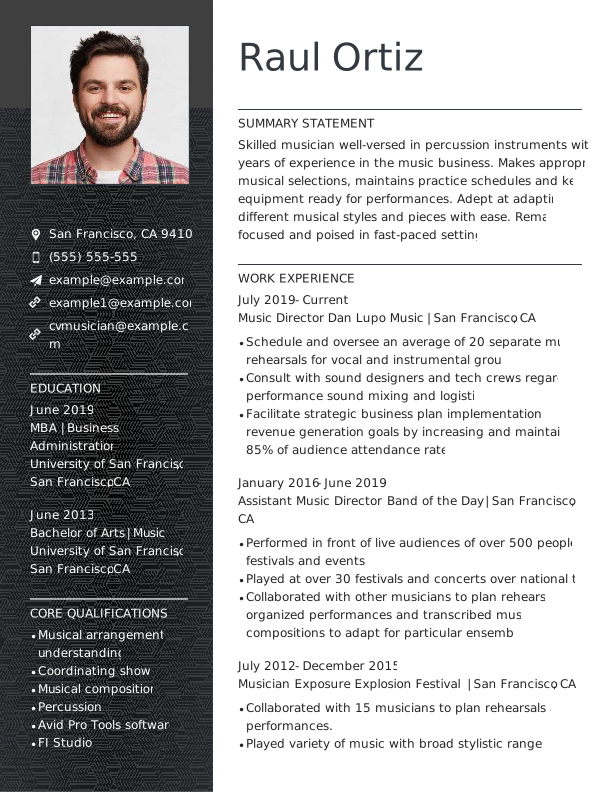

Spotlight Assertive Asphalt
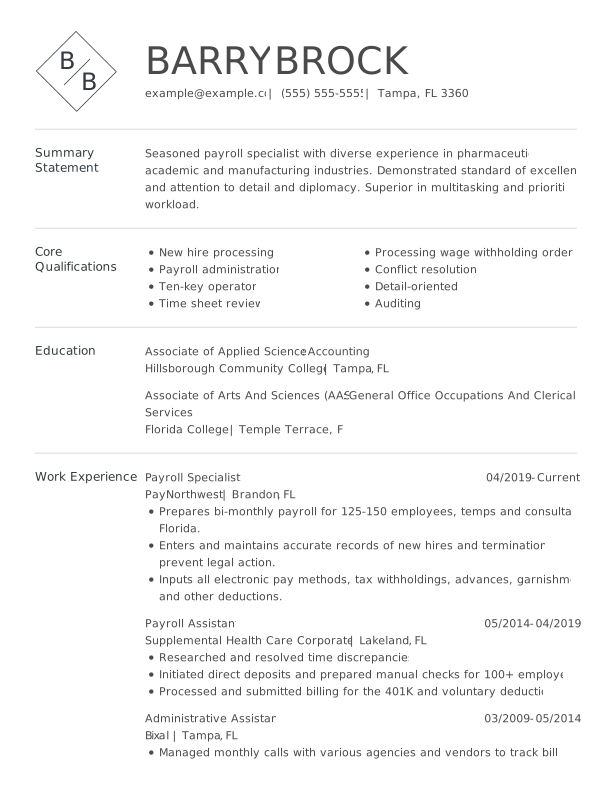
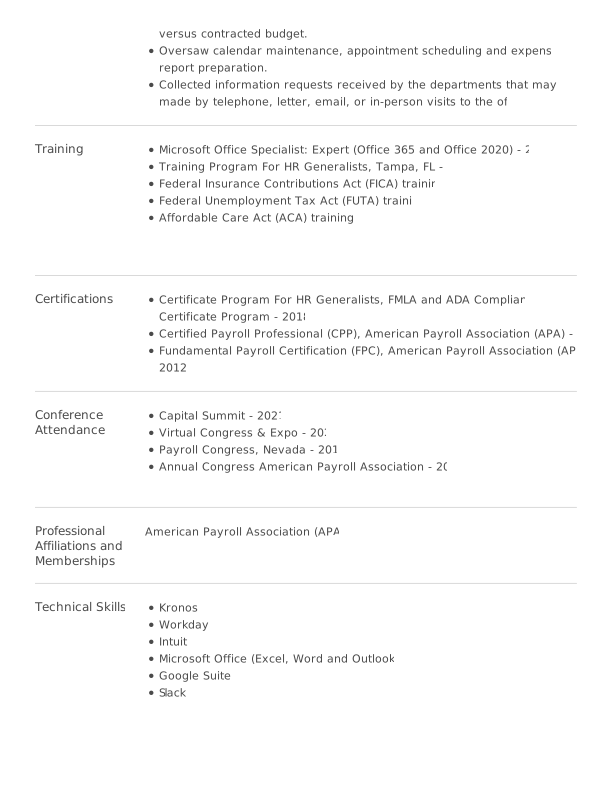
Aspen Assertive Asphalt
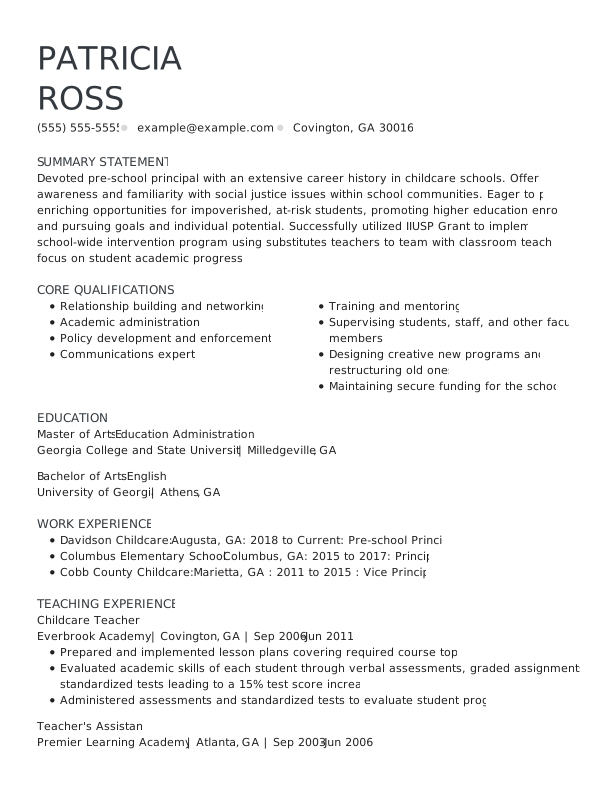

Zinnia Assertive Asphalt
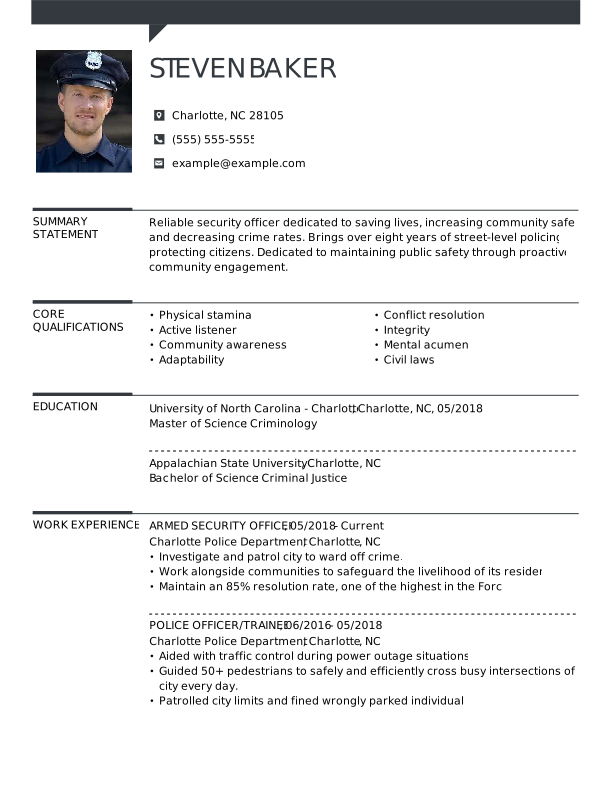

Snapshot Assertive Asphalt
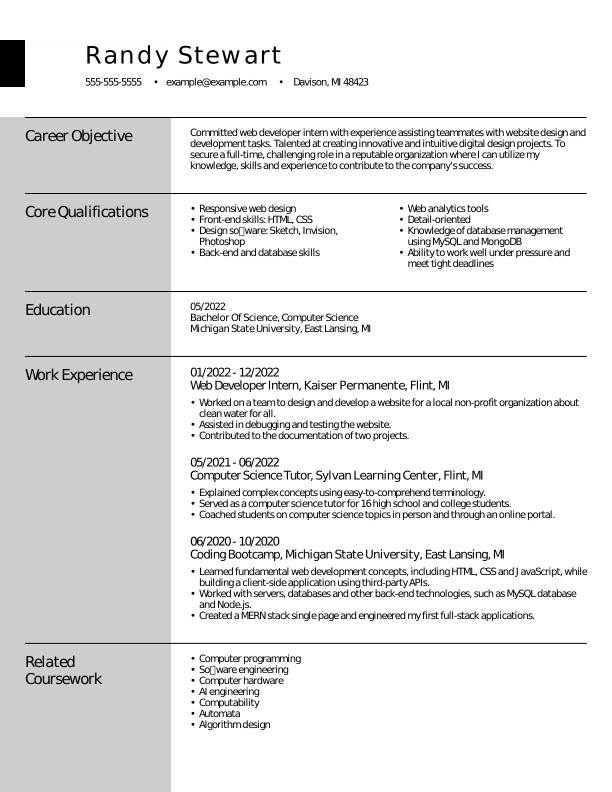

European Assertive Asphalt
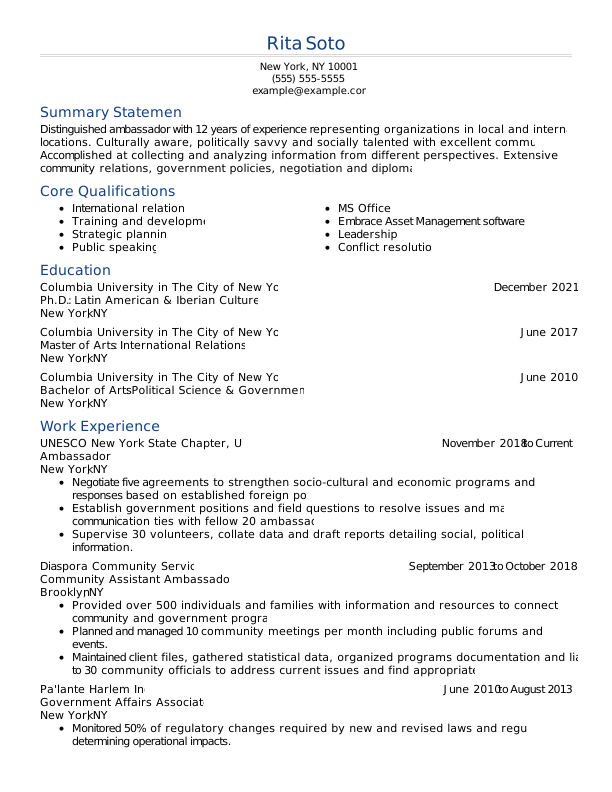

Evergreen Loyal Blue
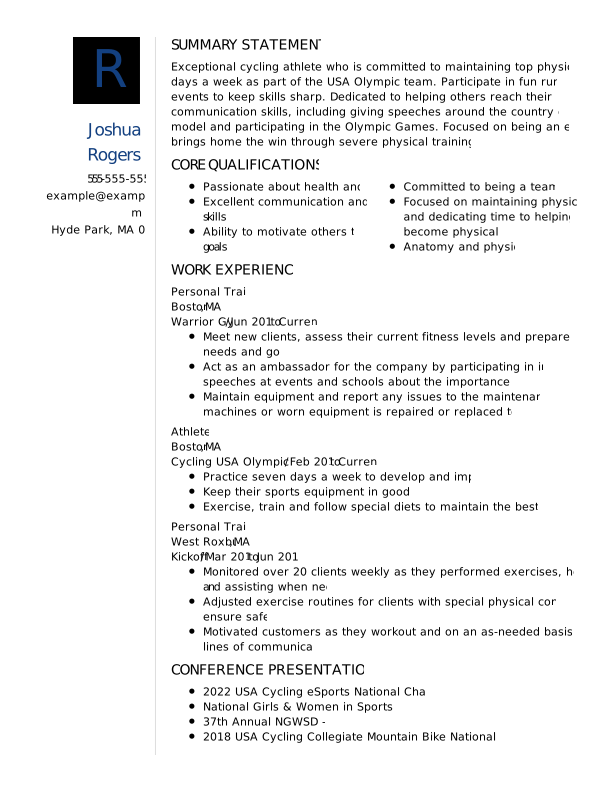

Monogram Loyal Blue
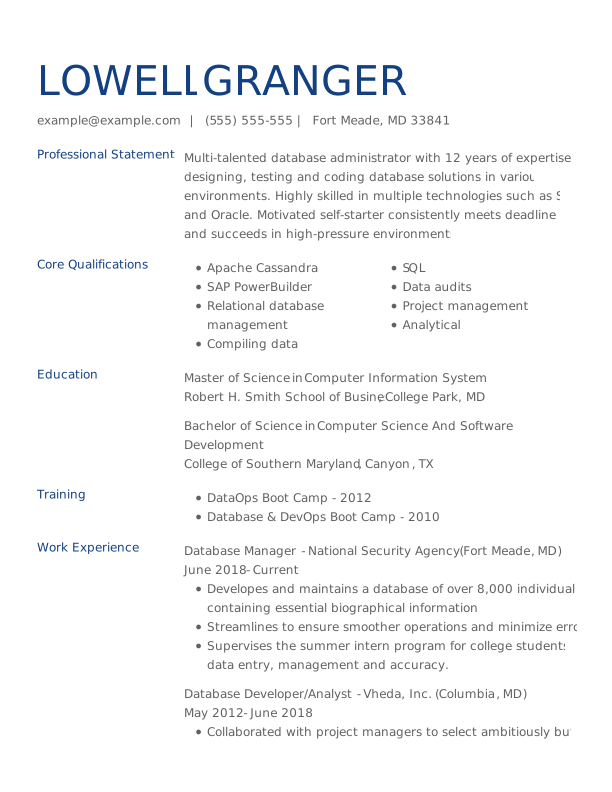

Upgrade Loyal Blue
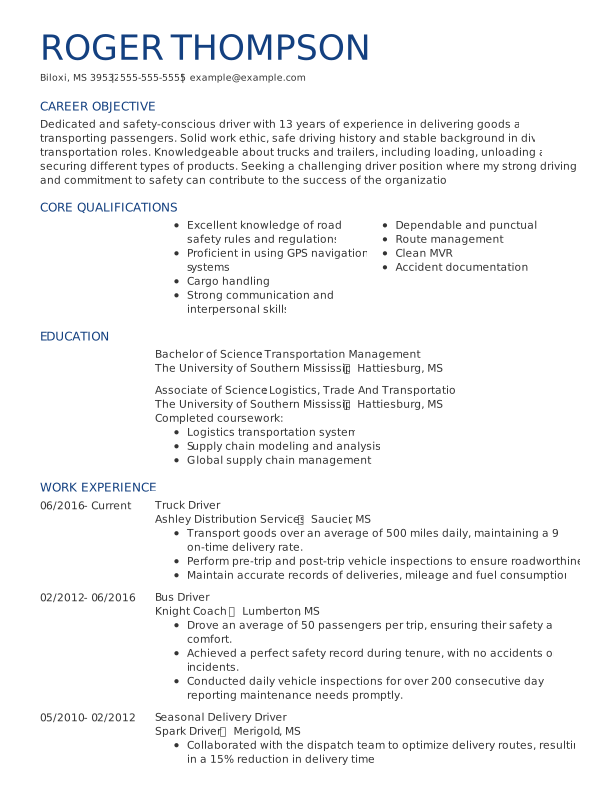

Aster Loyal Blue
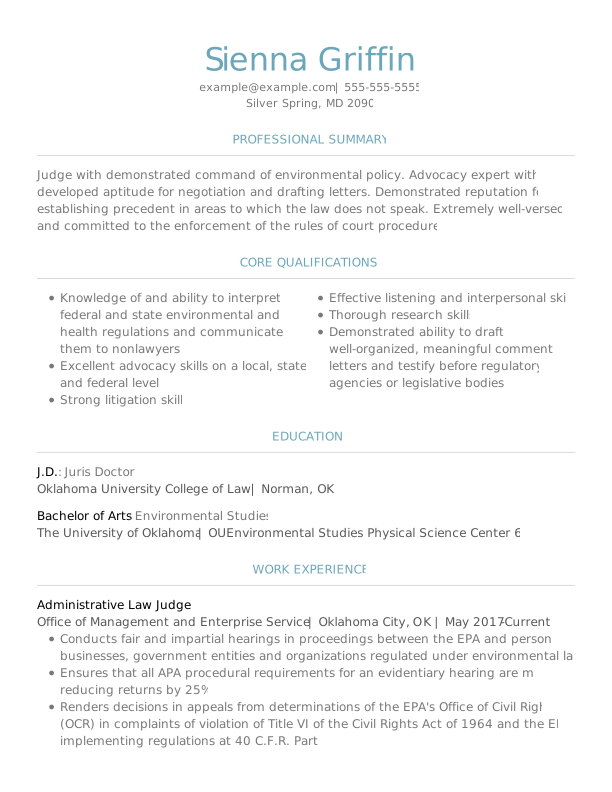
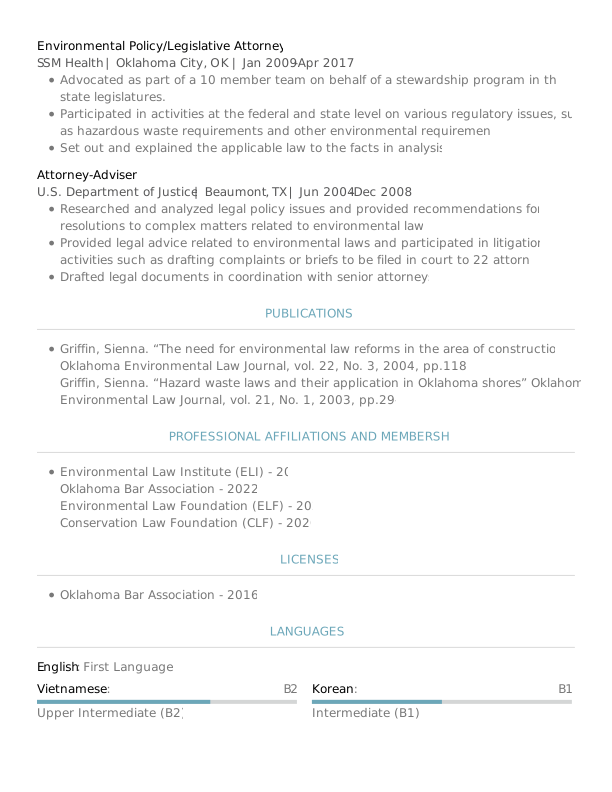
Spruce Loyal Blue
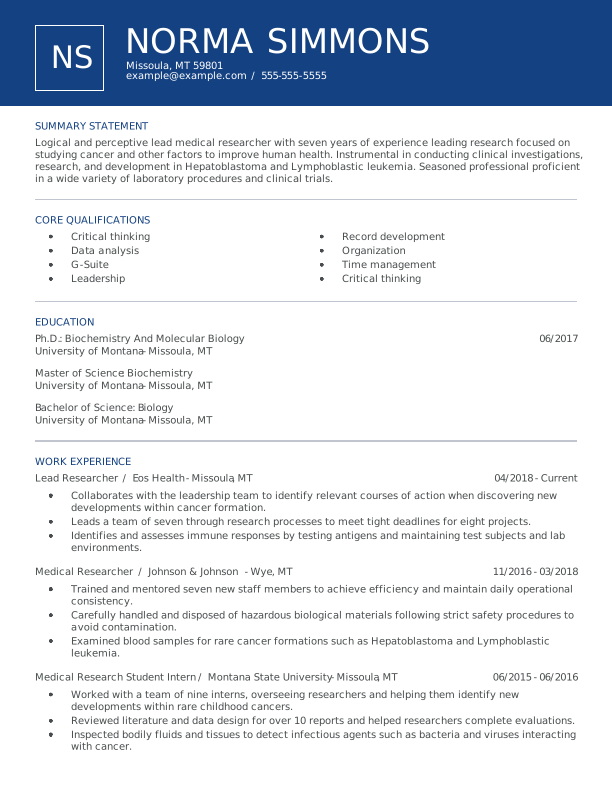

Lassen Loyal Blue
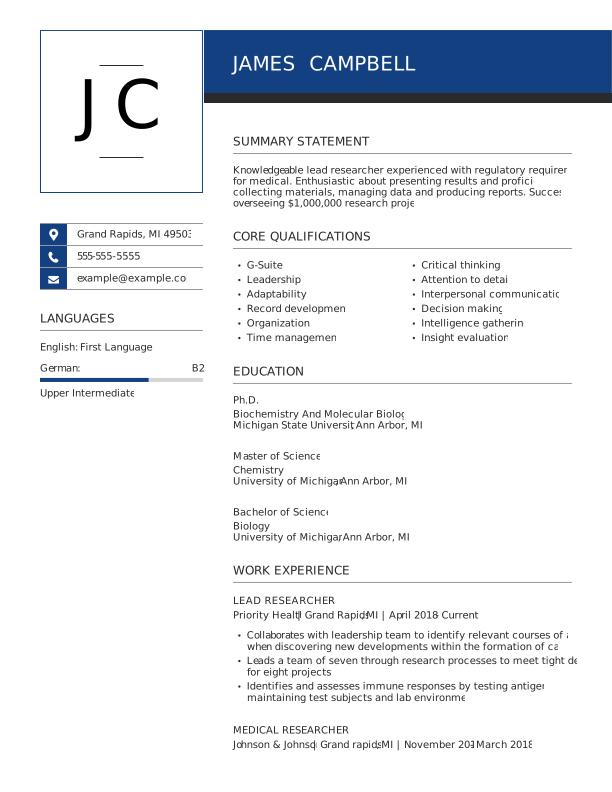

Unique Loyal Blue
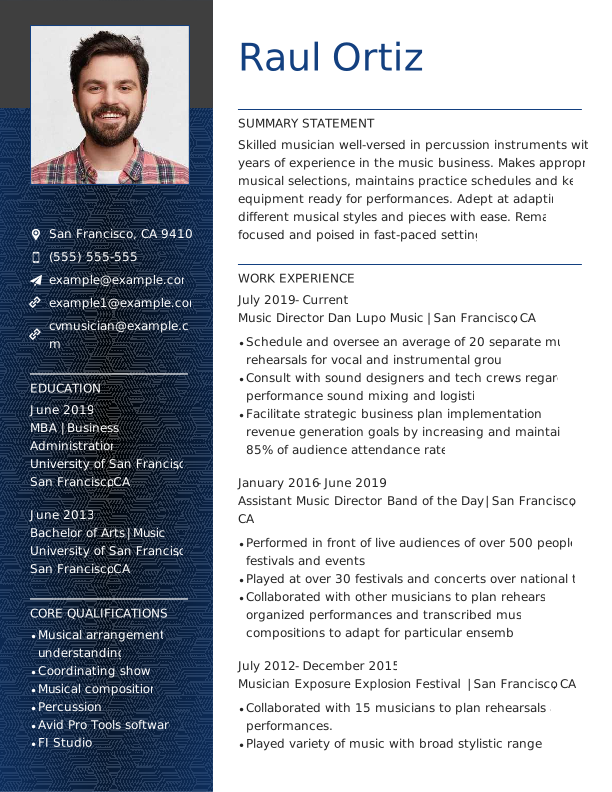

Spotlight Loyal Blue
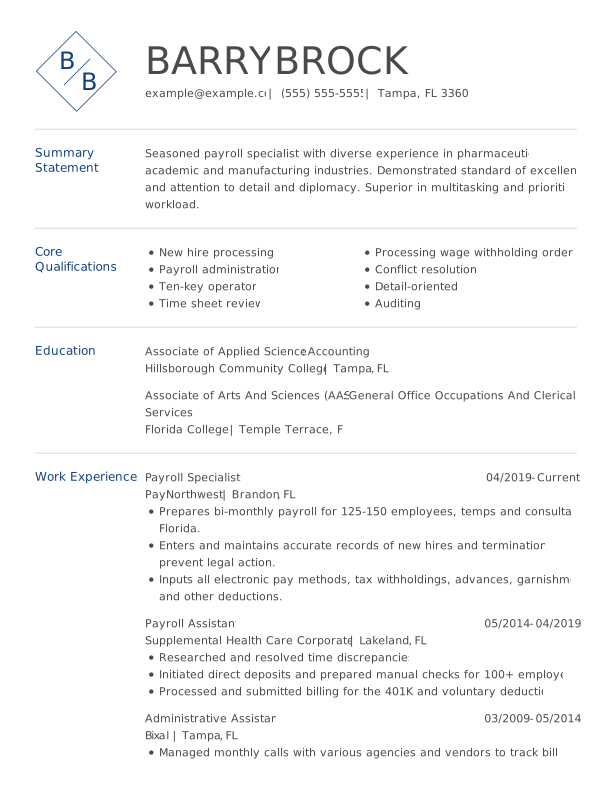

Aspen Loyal Blue
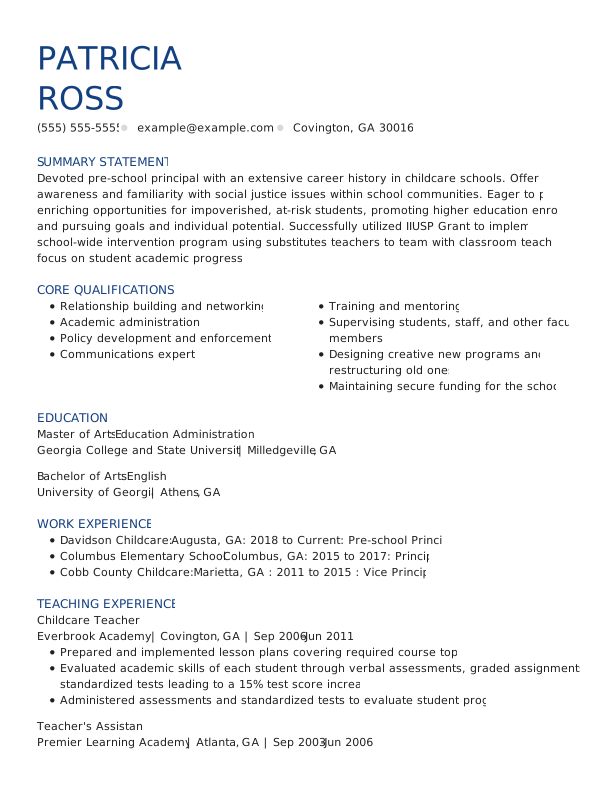

Zinnia Loyal Blue
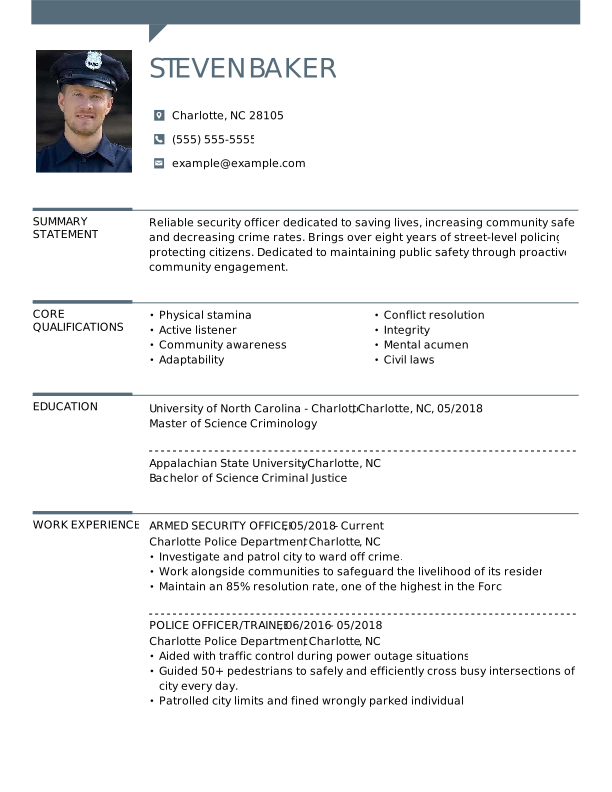
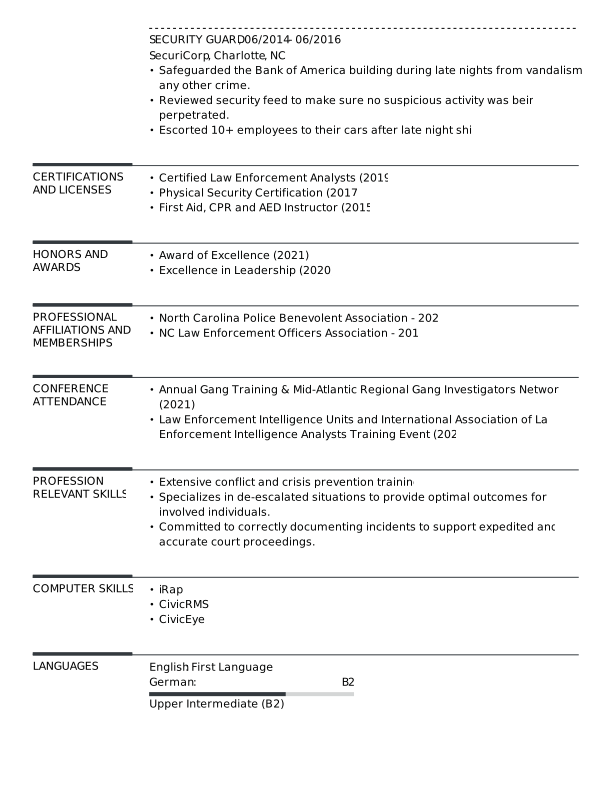
Snapshot Loyal Blue
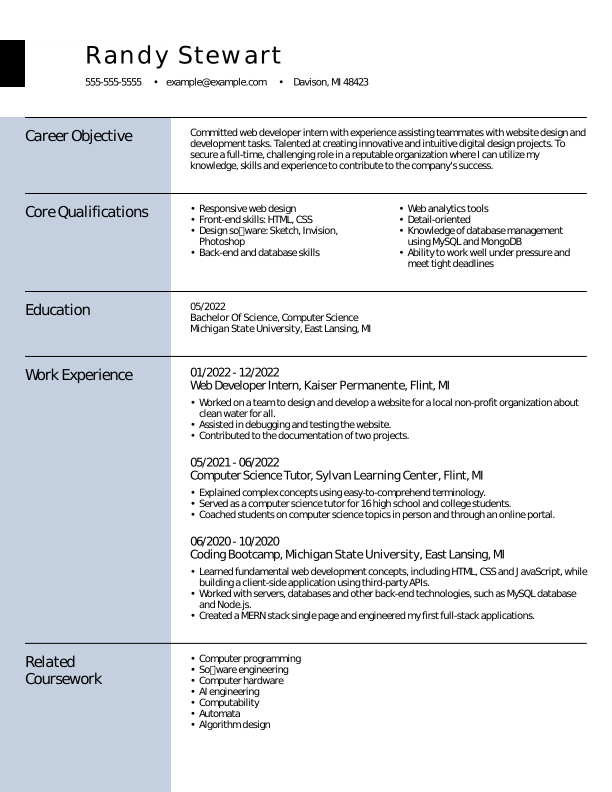

European Loyal Blue
 Open Google Doc
  Download PDF
  Download Word Doc
 Explore CV Examples for Top Jobs
Browse our selection of professional CV examples for popular jobs to see how to tailor your experience, skills, and achievements for your industry or field.


Make a CV in 4 Simple Steps
Step 1
Pick your favorite template.
Step 2
Choose text to tell your story.
Step 3
Customize the design and formatting.
Step 4
Download in any file format you need.
Job Seekers Trust Resume Now
Why Job Seekers Love Our CV Templates
Our CV templates combine professional design, ease of use, and ATS-friendly formatting. They help you present your experience clearly, save time on layout decisions, and reduce the stress of building a CV from scratch.

Browse a wide range of CV templates, including free options and premium designs to get you started.

Use your CV template on desktop, tablet, or mobile with full formatting consistency across devices.

Get role-specific writing suggestions to help you describe your experience clearly and professionally.

Use our CV Maker to build your CV step by step and complete it in less time.
How to Choose the Right CV Format for Your Experience
Our selection of templates includes three standard CV formats. Choose a chronological, functional, or combination CV based on your experience level and career goals.
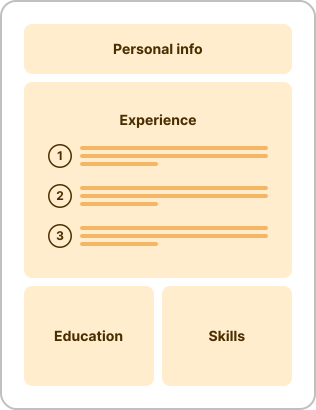
- You have consistent work experience you want to showcase.
- You’re applying for leadership roles that evaluate career growth.
- You’re seeking a promotion, either internally or externally.
- Your qualifications closely match the job description.
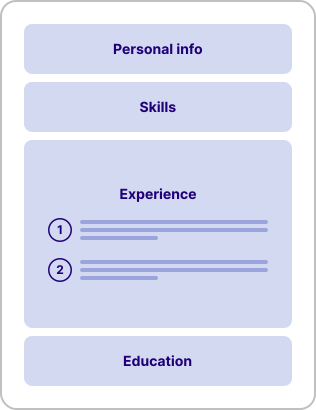
- You’re a student or recent graduate applying for your first job.
- You have limited work experience or gaps in your experience.
- You’re applying for an entry-level role, like a research assistant.
- You’re applying for jobs outside of your industry or field.
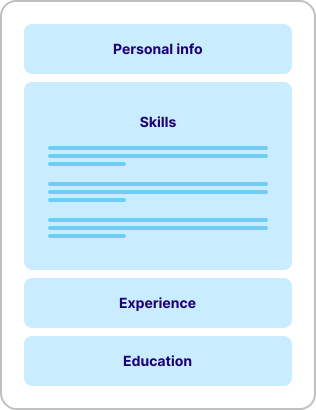
- You’re changing careers and want to focus on transferable skills.
- You’re a mid-career professional with gaps in your job history.
- You have a unique career history or inconsistent experience.
- You want to highlight a specialty, such as research skills.
CV Template Best Practices
Using a CV template effectively means more than filling in details—it’s about presenting your experience in a clear, strategic, and professional way. The best practices below help ensure your CV is structured, relevant, and optimized to secure interviews.
Step 1
Add Your Information to Each Section
Add your information to each CV section by filling in structured, role-relevant details. Each section—contact details, summary, experience, education, and skills—should be clear, concise, and tailored to the job.
Include the following sections:
- Contact information: Include your full name, professional email address, and phone number at the top of your CV. Add a LinkedIn profile or portfolio link if relevant.
- Professional summary: Summarize your background, key skills, and most relevant achievements. Tailor this section to your discipline, highlighting your expertise and research focus.
- Educational background: List degrees in reverse-chronological order, including institution name, location, and graduation year. Add honors, relevant coursework, or thesis titles if applicable.
- Academic and professional experience: Include academic, research, or professional roles with responsibilities and measurable outcomes that demonstrate expertise and impact in your field.
- Publications and presentations: Organize your scholarly work by type, such as journal articles, conference papers, and invited talks, and use consistent citation formatting.
- Grants and awards: List scholarships, fellowships, and awards. Include the issuing organization, purpose of the grant or recognition, and the project or achievement it supported to demonstrate external validation of your work.
- Relevant skills: Include technical, analytical, or discipline-specific skills, tools, and software relevant to your research or teaching field.
- Research interests: Summarize your key research areas and current or ongoing focus areas where applicable.
Step 2
Tailor Your CV for Every Job Application
Tailor your CV by aligning your skills, experience, and keywords with each job description.
When you write your CV, focus on highlighting the most relevant achievements and removing less relevant details so your strongest qualifications stand out immediately.
This helps employers see your fit for the role and improves your chances of passing applicant tracking systems (ATS).
Review each job posting carefully and identify key responsibilities and required skills. Reflect this language naturally in your CV, especially in your professional summary, skills section, and work experience bullet points.
Reorder sections if needed to highlight the strongest match. For example, prioritize projects or skills over work history if they better match the role.
Step 3
Optimize Your CV Content for ATS
Optimize your CV content for ATS by using clear formatting, standard headings, and relevant keywords from the job description.
Here are a few tips to keep in mind:
- Use standard headings, such as “Work Experience,” “Education,” and “Skills,” so your information can be easily identified and categorized.
- Incorporate keywords from the job description naturally throughout your CV, especially in your summary and experience sections.
- Avoid complex formatting, such as tables, text boxes, graphics, icons, or unusual fonts that may not be parsed correctly.
- Stick to readable, professional fonts like Arial, Calibri, or Times New Roman to maximize ATS compatibility.
- Save your CV in a commonly accepted format, such as PDF or DOCX, unless otherwise specified by the employer.
Step 4
Create a Cover Letter to Complement Your CV
Create a cover letter that expands on your CV by explaining your motivation and highlighting your most relevant experience.
A well-written cover letter shouldn’t simply repeat your CV. Instead, it should add context, emphasize your strongest achievements, and explain why you’re a strong fit for the role.
You can use Resume Now’s Cover Letter Generator to match your CV with a corresponding cover letter template. It automatically generates content based on your CV, helping you create a consistent and professional application package.
This saves time while ensuring your CV and cover letter are tailored, well-structured, and aligned with employer expectations.
Frequently Asked Questions
Last Updated: June 24, 2026
You can get a CV template for free on this page by selecting the “Price” filter above the template grid and clicking “Free.” Choose a template that catches your eye and download it directly to your desktop or mobile device. After downloading, you can open the template in your preferred word processor and replace the placeholder text with your information.
The best CV template is a clean, ATS-friendly layout that highlights your most recent experience first and uses simple, standard formatting.
Strong templates include clear sections, such as contact information, professional summary, skills, work experience, and education, without complex design elements like tables or graphics.
You should not include outdated, irrelevant, or overly personal information on a CV. This includes details such as age, marital status, religious beliefs, photos (unless required by the industry or country), salary expectations, or references that say “available upon request.”
It’s also best to leave out unrelated work experience, excessive jargon, long paragraphs, and inaccurate information. A strong CV stays focused on qualifications, measurable achievements, and skills that directly support the job you’re applying for.
A CV should generally go back 10 to 15 years to stay concise and relevant. Employers are most interested in your recent experience, skills, and achievements.
Older roles can be summarized or omitted unless they’re highly relevant or demonstrate long-term progression. In academic or technical fields, earlier experience may still be included if it strengthens your application.
The difference between a CV and a resume is that a CV is a detailed document that provides a full overview of your academic and professional history, while a resume is a shorter, more tailored summary focused on relevant experience for a specific job.
A CV is commonly used for academic, research, medical, or international applications. A resume is typically used for private-sector roles.
Employers generally prefer a reverse-chronological CV format because it clearly shows your most recent experience and career progression. This format is widely accepted across industries and works well with ATS, making it the most reliable choice for most applications.
The most common CV mistake is including irrelevant or non-tailored information instead of focusing on what’s most relevant to the job. Many candidates use a generic CV that doesn’t match the role, which makes it harder for employers to quickly identify their suitability.
The seven-second rule means recruiters typically spend about seven seconds scanning a CV before deciding whether to continue reading. This is why it’s helpful to use a professional template or explore CV examples to craft a document that highlights key skills, experience, and achievements by using clear headings, concise bullet points, and relevant keywords.


What Users Say About Our CV Templates