
675 templates
empty-template-cta
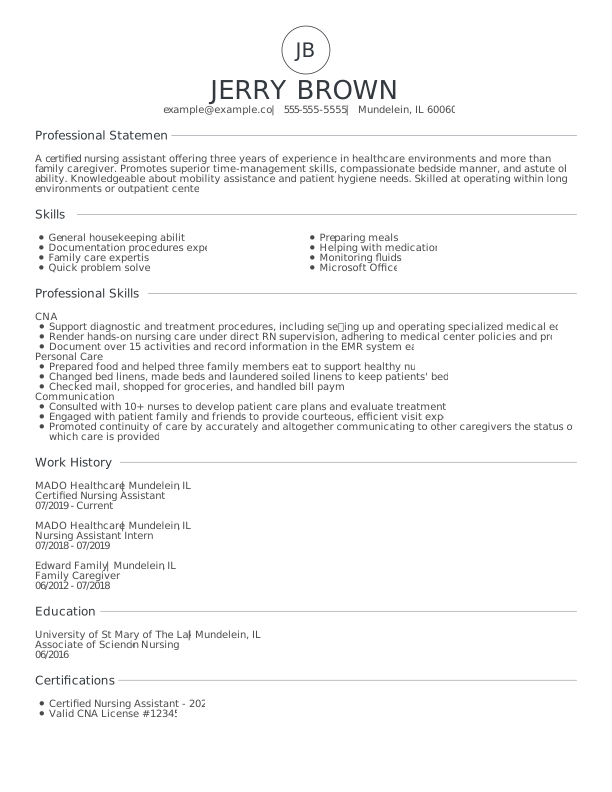
Modern Certified Nursing Assistant Entry Level Resume: Assertive Asphalt color
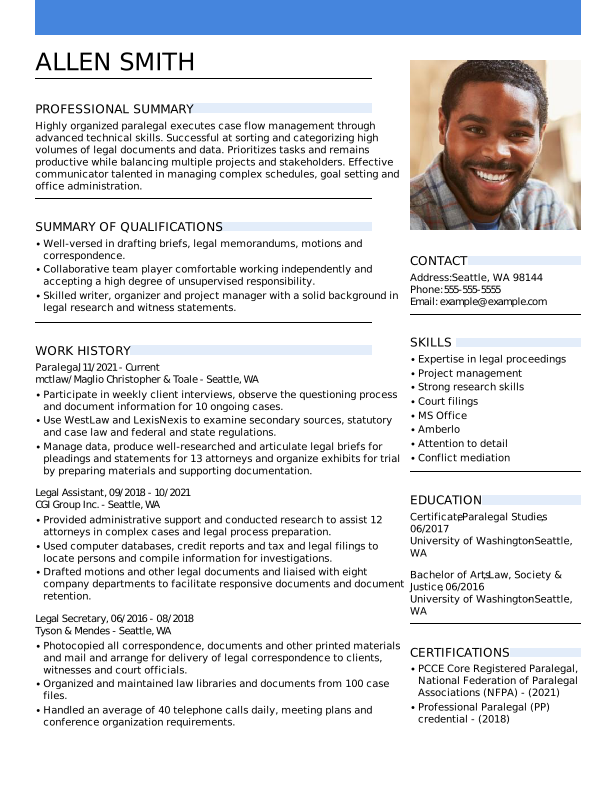
Modern Paralegal Mid Level Resume: Balanced Blue color
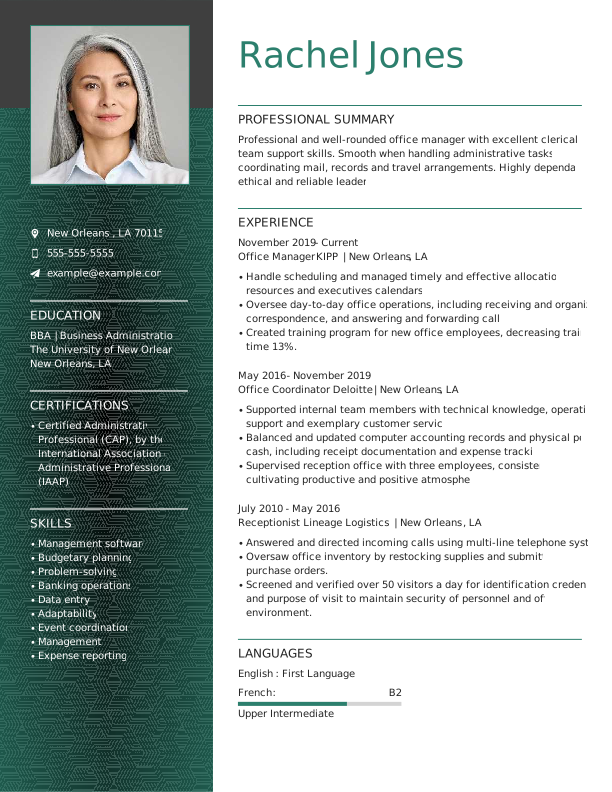
Creative Office Manager Experienced & Professional Resume: Empathic Emerald color
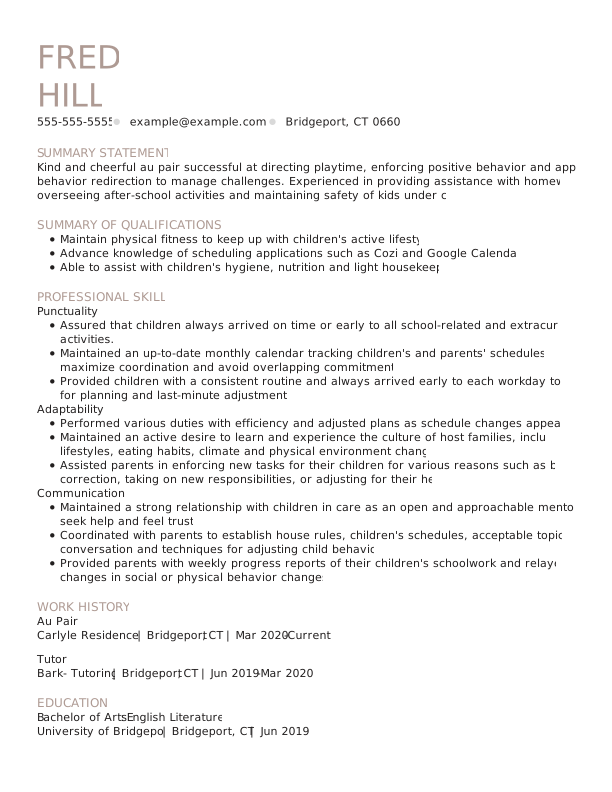
Classic Au Pair Mid Level Resume: Trusted Taupe color
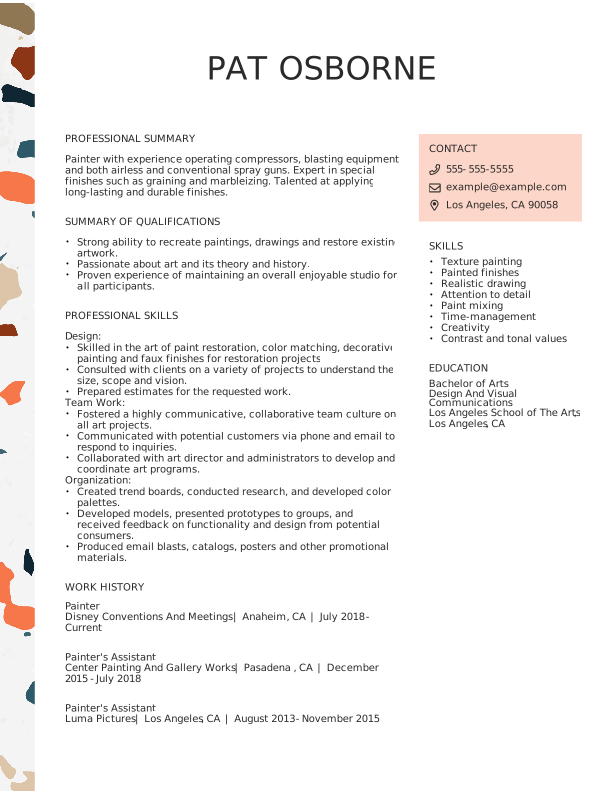
Creative Painter Experienced & Professional Resume: Jet Black color
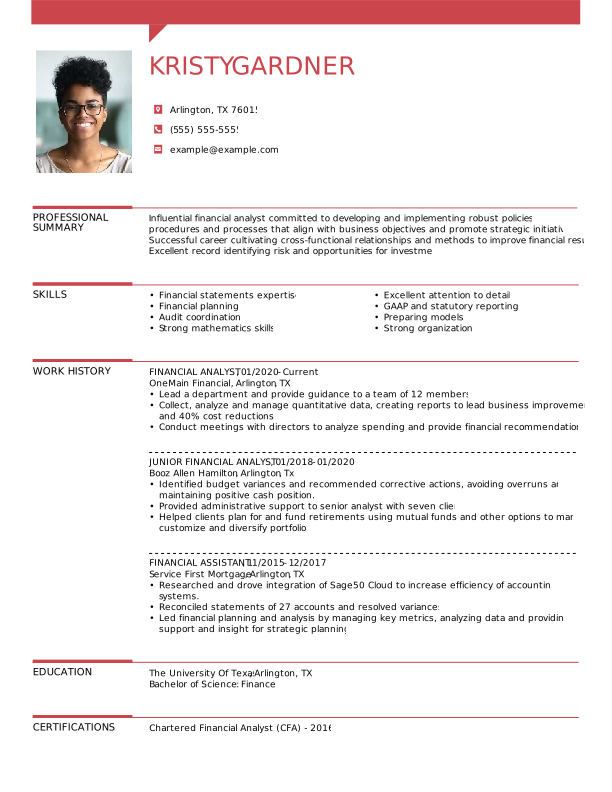
Creative Financial Analyst Experienced & Professional Resume: Ambitious Red color
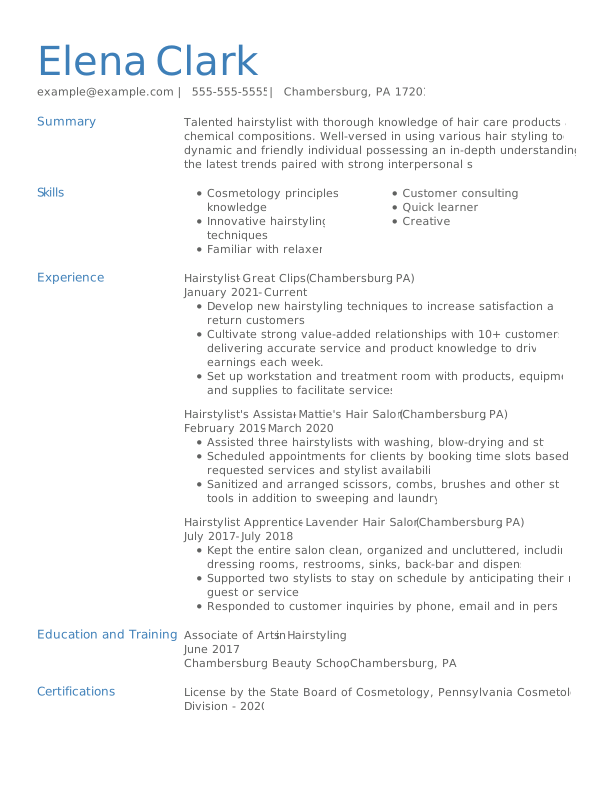
Classic Hairstylist Mid Level Resume: Balanced Blue color
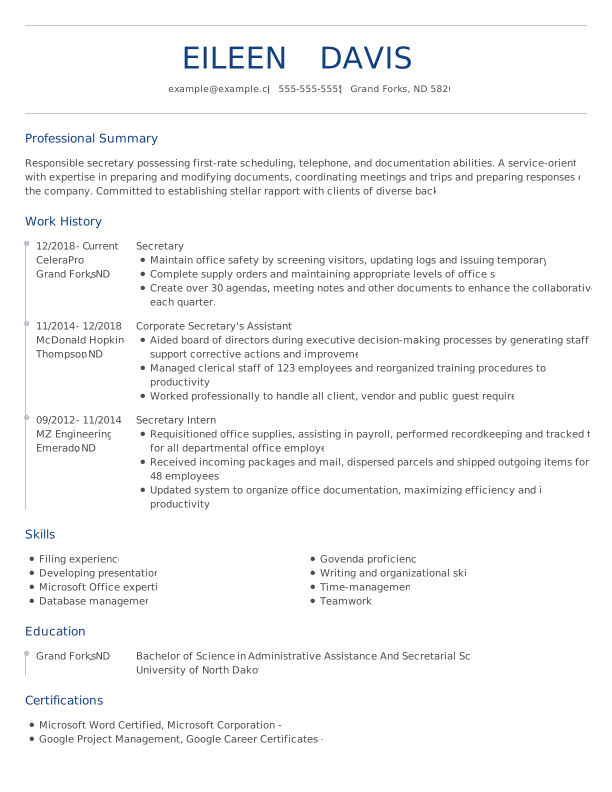
Modern Secretary Experienced & Professional Resume: Loyal Blue color
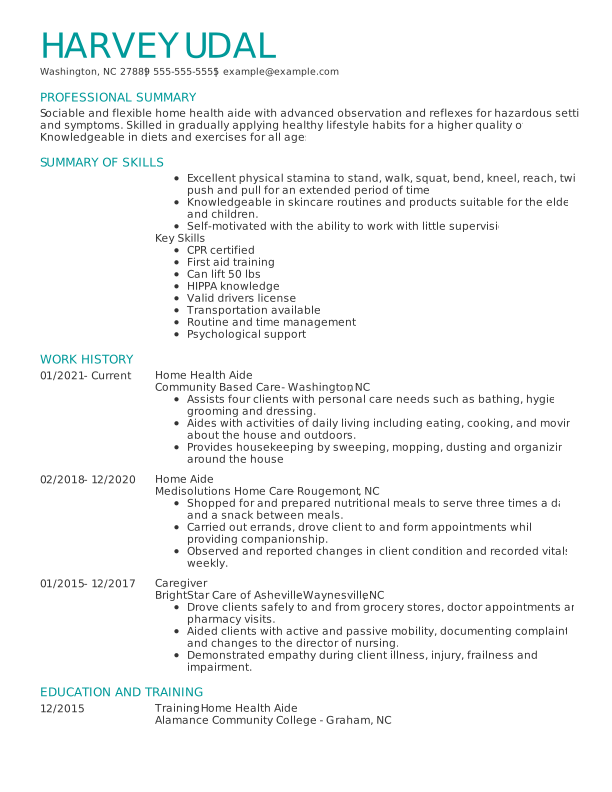
Modern Home Health Aide Experienced & Professional Resume: Team Teal color
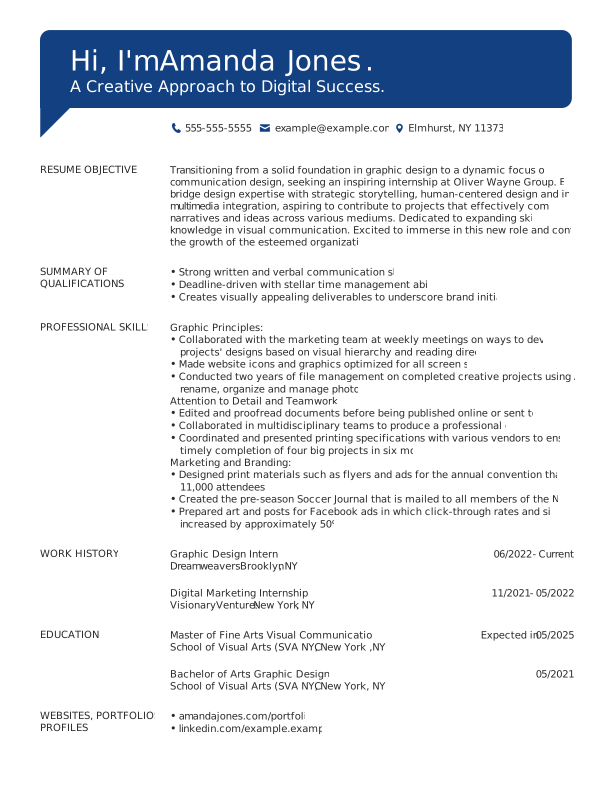
Creative Intern Students Resume: Loyal Blue color
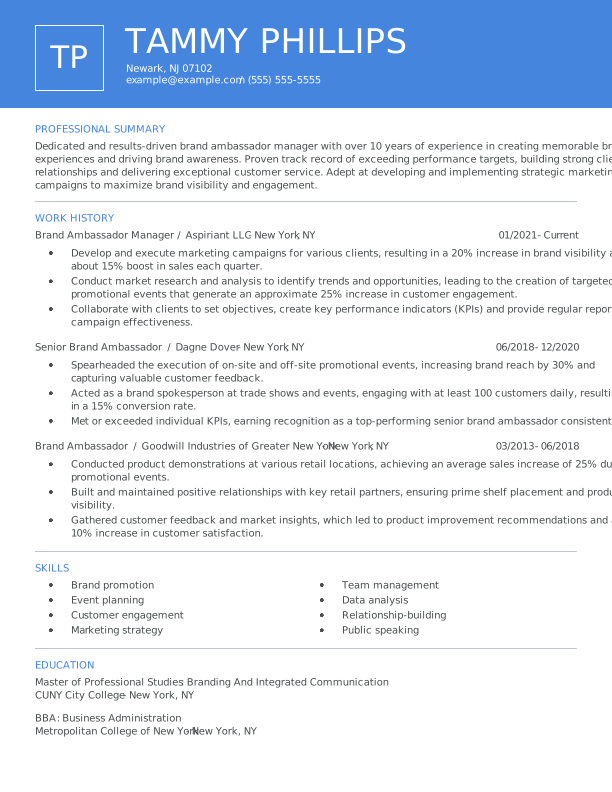
Modern Brand Ambassador Manager Experienced & Professional Resume: Balanced Blue color
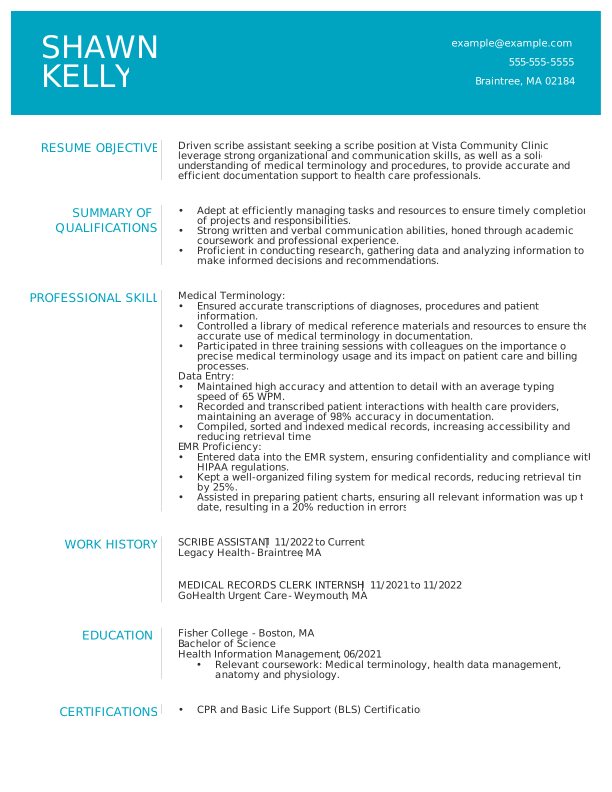
Modern Scribe Assistant Entry Level Resume: Team Teal color
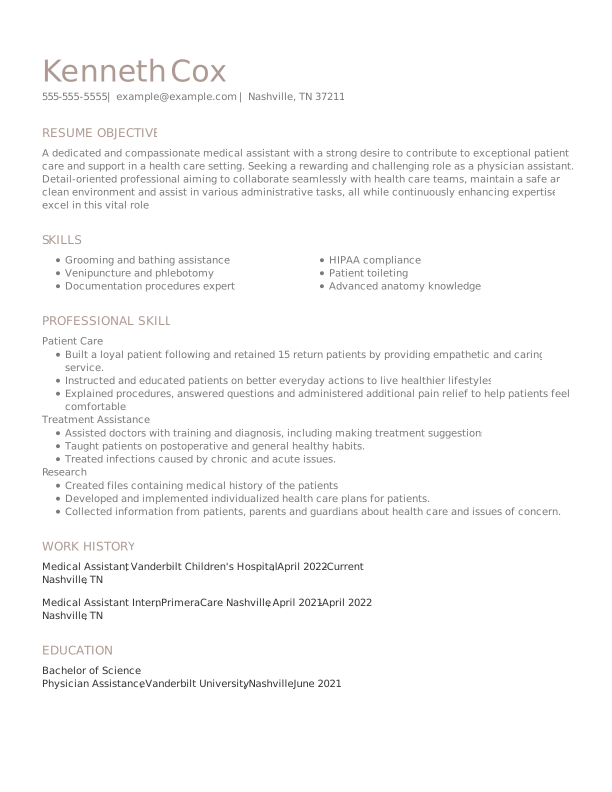
Classic Medical Assistant Mid Level Resume: Trusted Taupe color
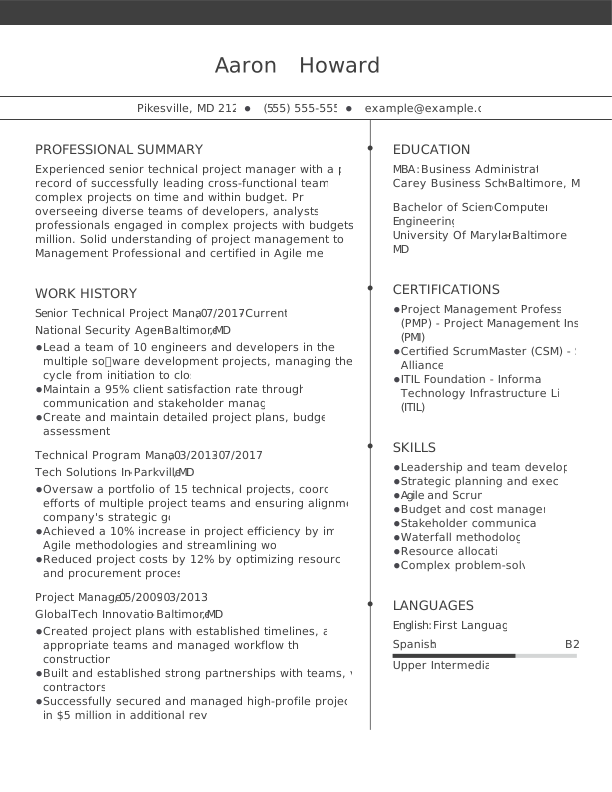
Classic Senior Technical Project Manager Experienced & Professional Resume: Assertive Asphalt color
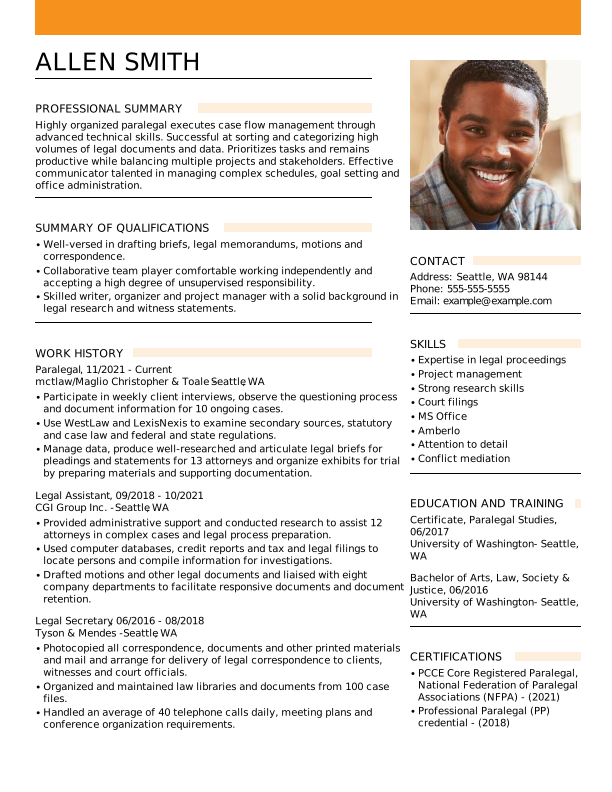
Modern UX Designer Entry Level Resume: Creative Marigold color
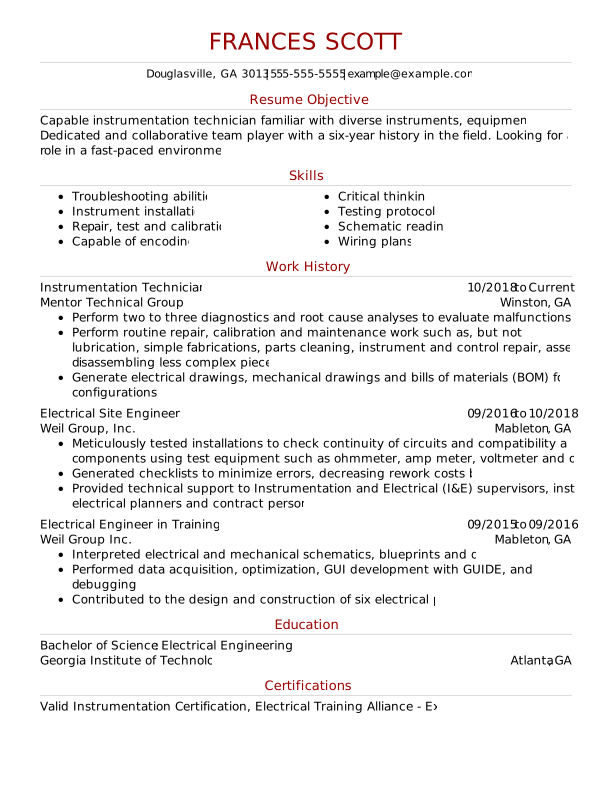
Classic Instrumentation Technician Experienced & Professional Resume: Ambitious Red color
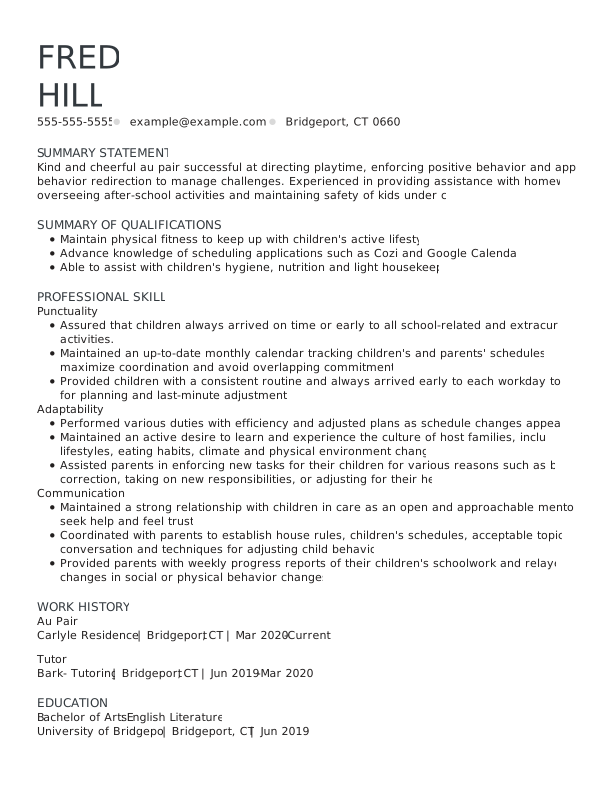
Classic Physician Experienced & Professional Resume: Assertive Asphalt color
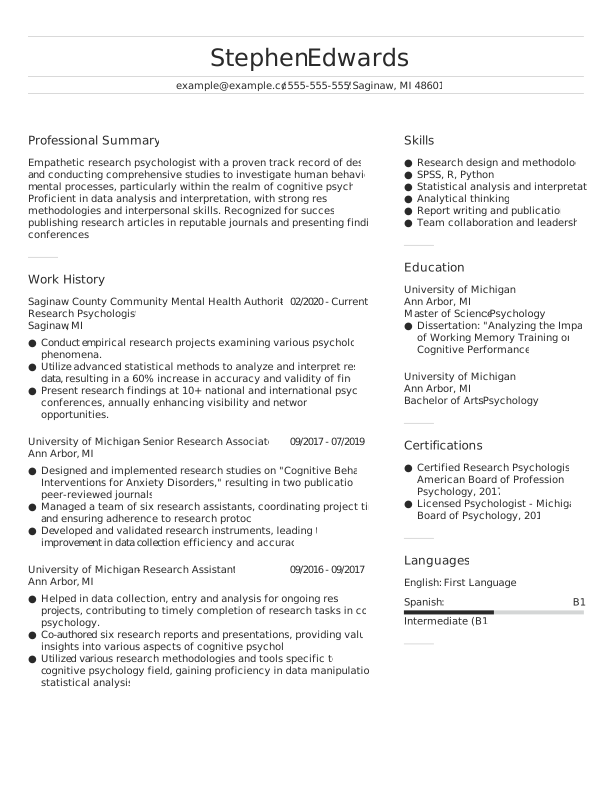
Classic Research Psychologist Mid Level Resume: Assertive Asphalt color
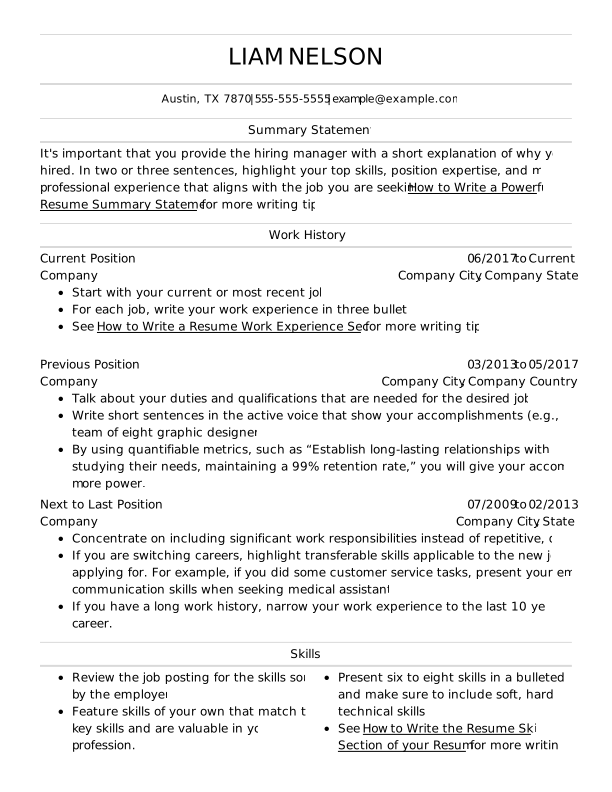
Classic Experienced & Professional Resume: Jet Black color
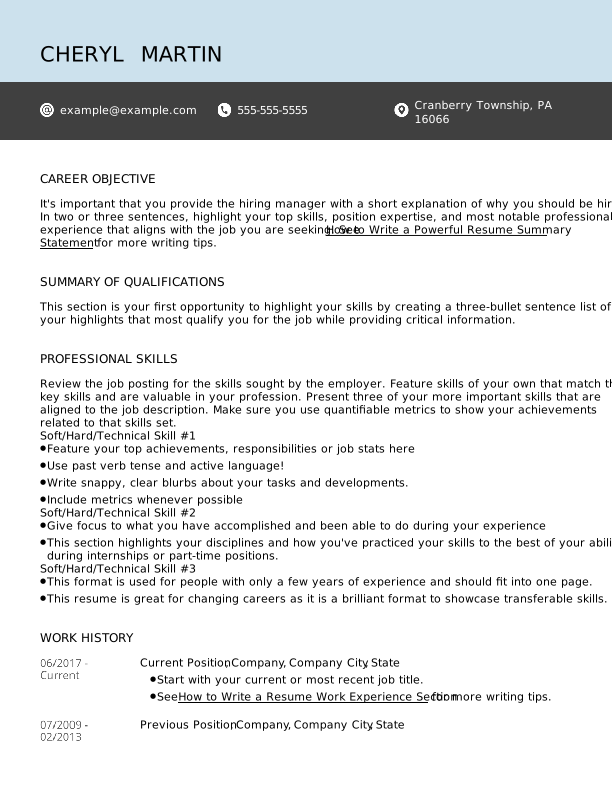
Modern Entry Level Resume: Jet Black color
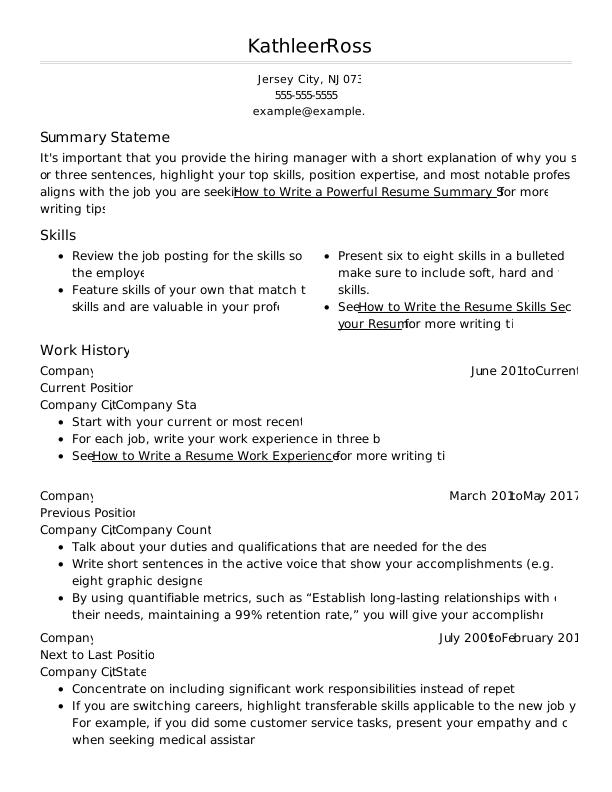
Classic Mid Level Resume: Jet Black color
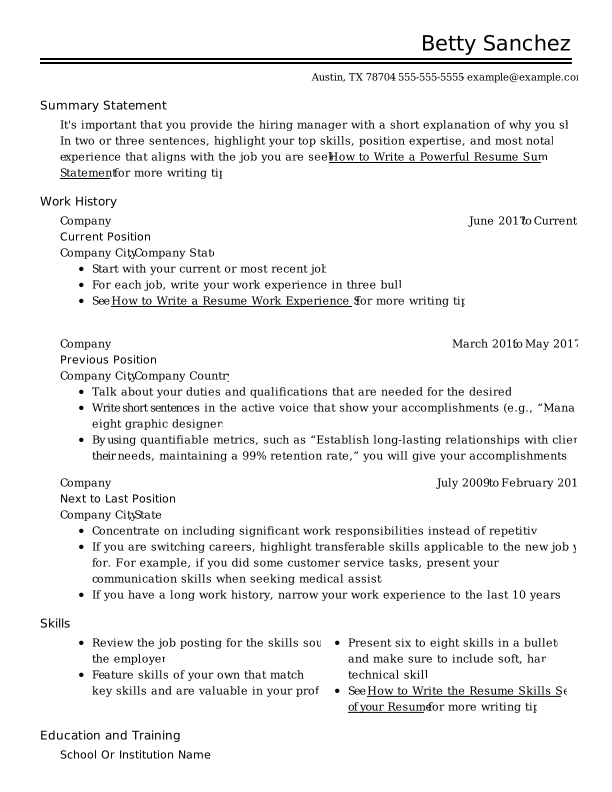
Classic Experienced & Professional Resume: Jet Black color
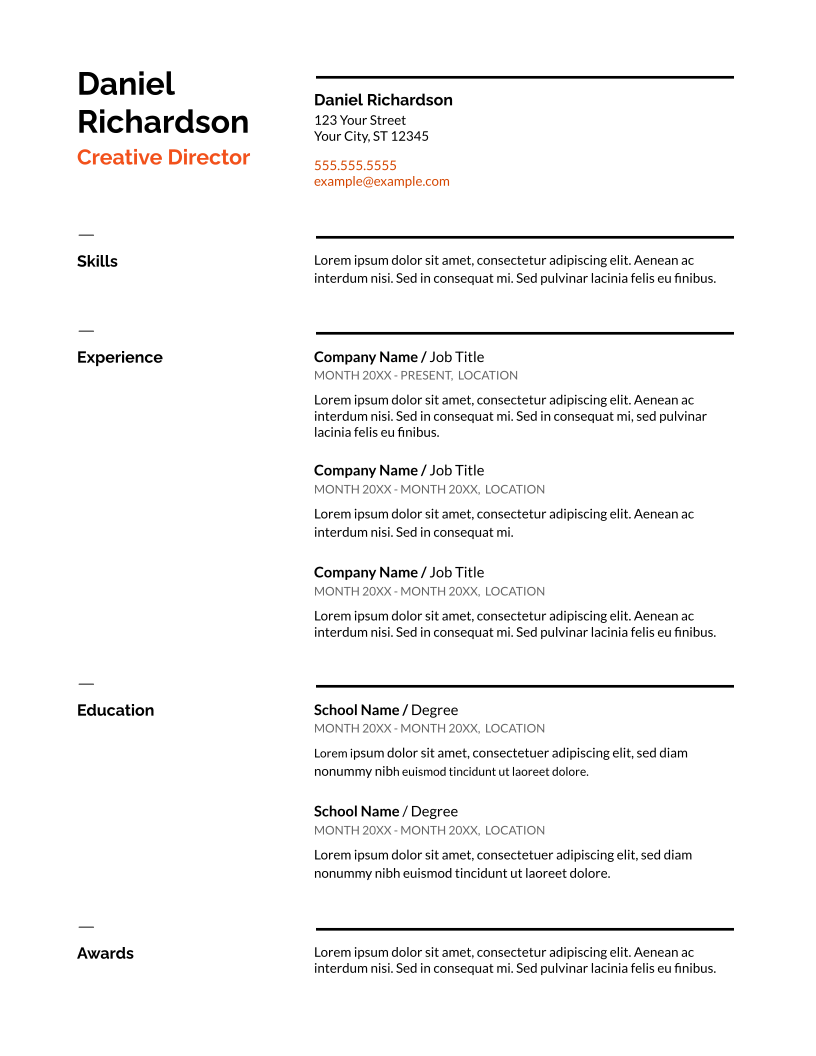
Modern Mid Level Resume: Jet Black color
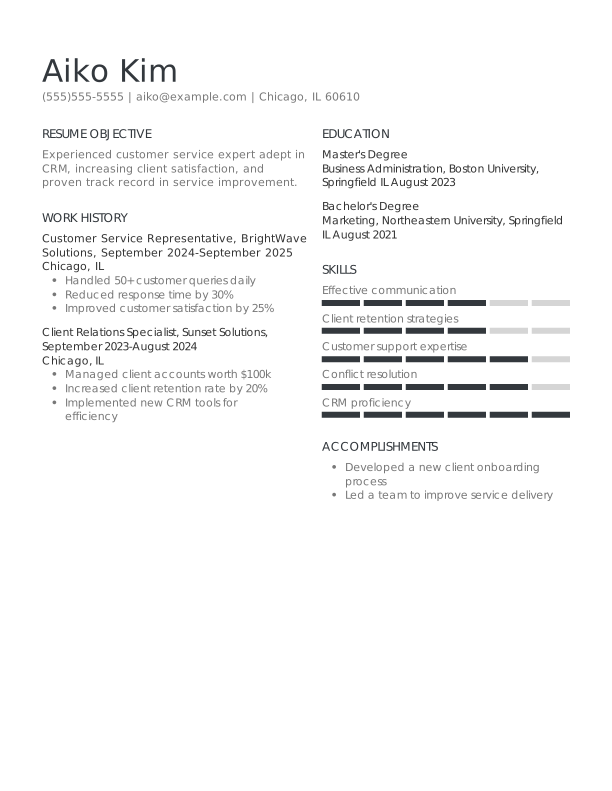
Classic Customer Service Representative Entry Level Resume: Assertive Asphalt color
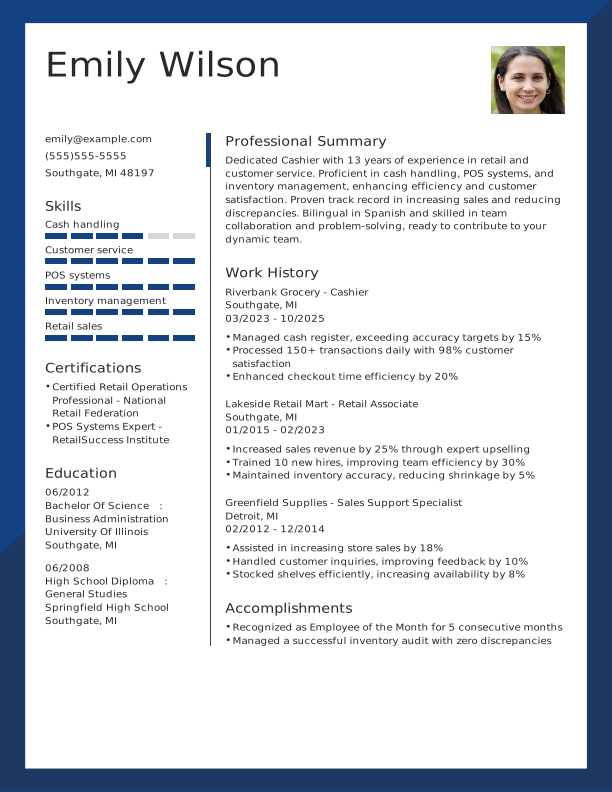
Modern Cashier Experienced & Professional Resume: Loyal Blue color
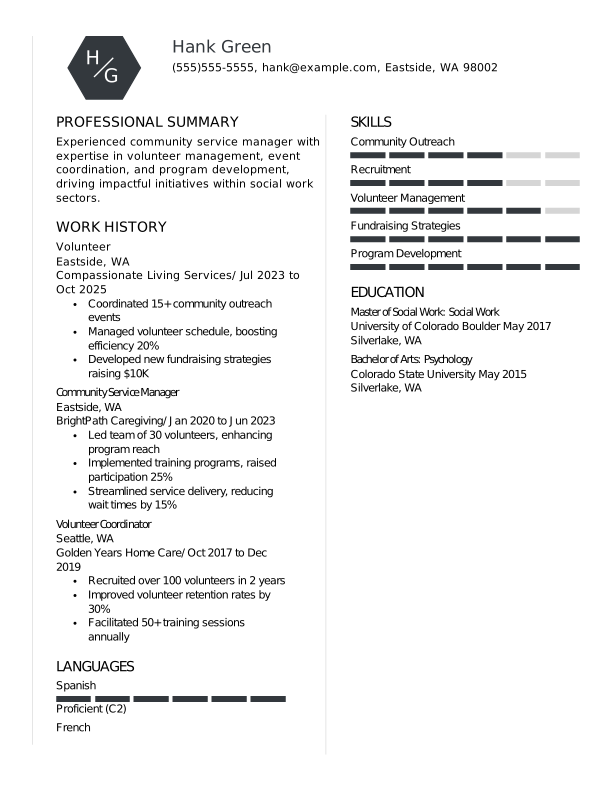

Creative Volunteer Mid Level Resume: Assertive Asphalt color
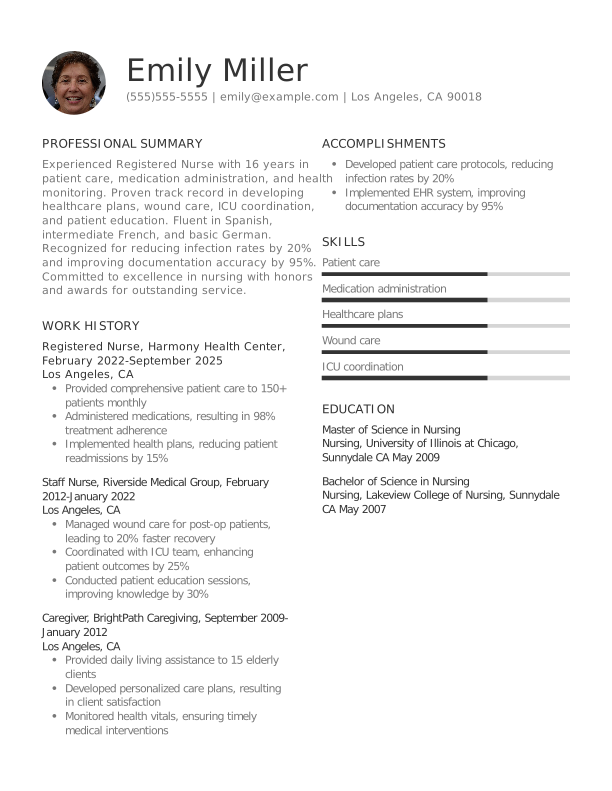

Classic Registered Nurse Experienced & Professional Resume: Midnight Charcoal color
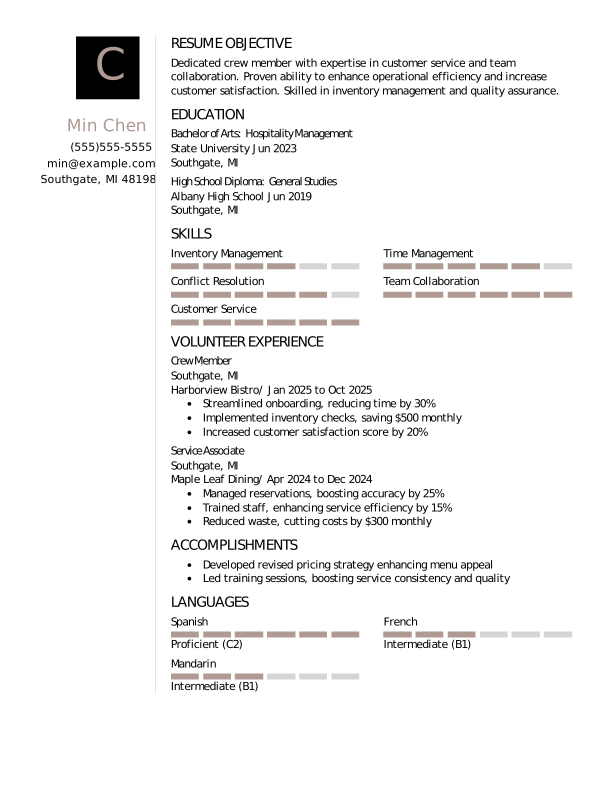
Creative Crew Member Students Resume: Trusted Taupe color
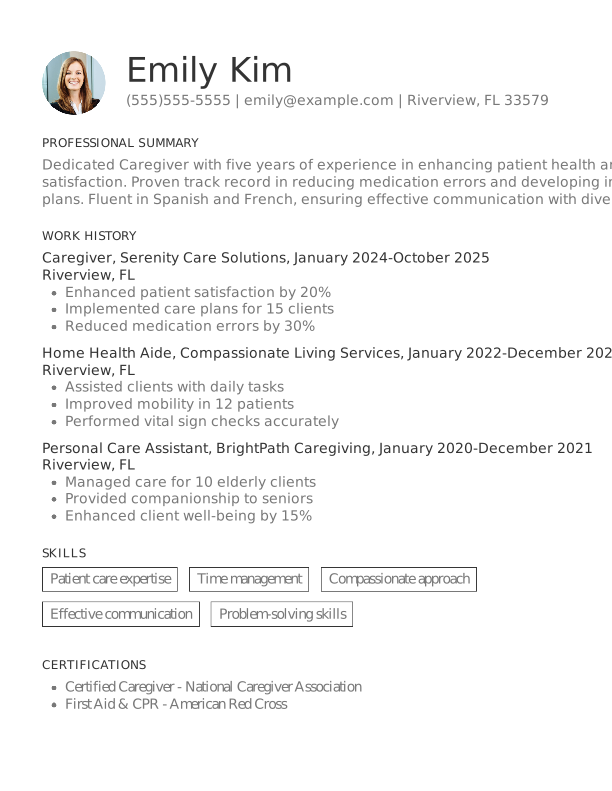

Classic Caregiver Mid Level Resume: Midnight Charcoal color
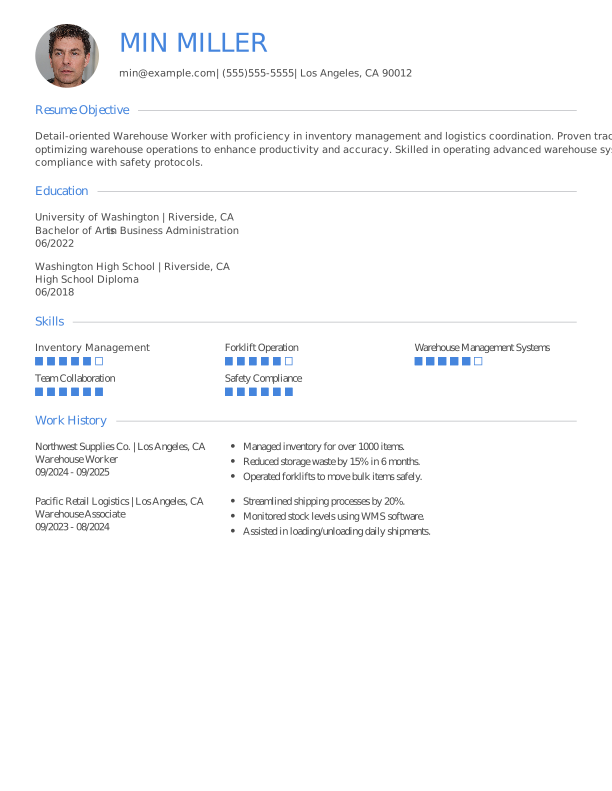
Modern Warehouse Worker Entry Level Resume: Balanced Blue color
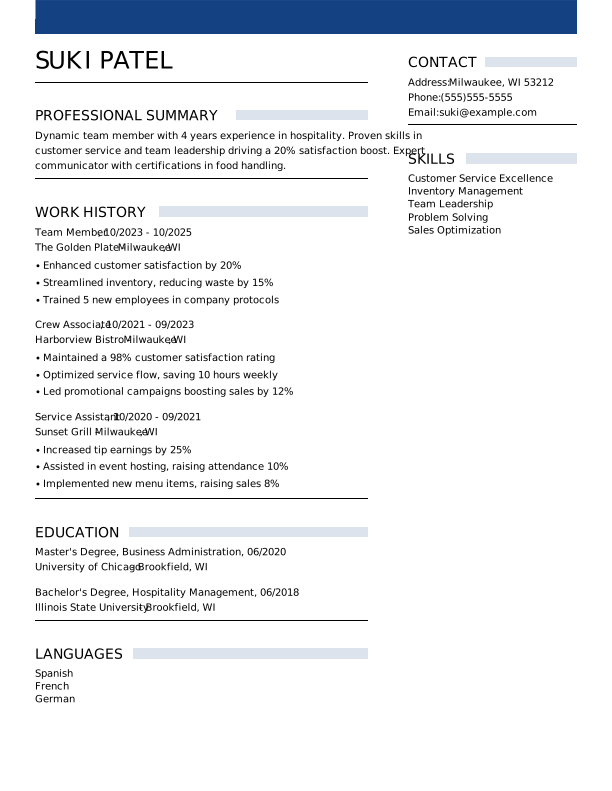
Modern Team Member Mid Level Resume: Loyal Blue color
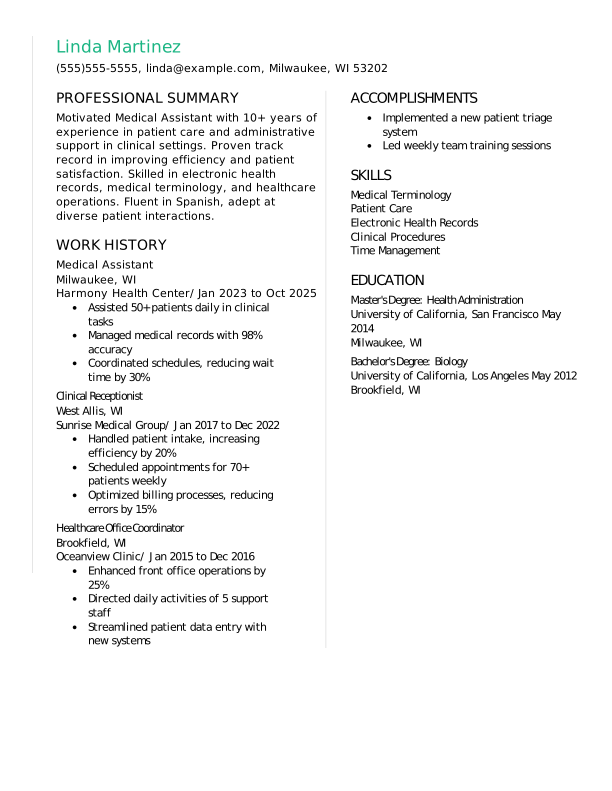
Creative Medical Assistant Experienced & Professional Resume: Mint Leaf color
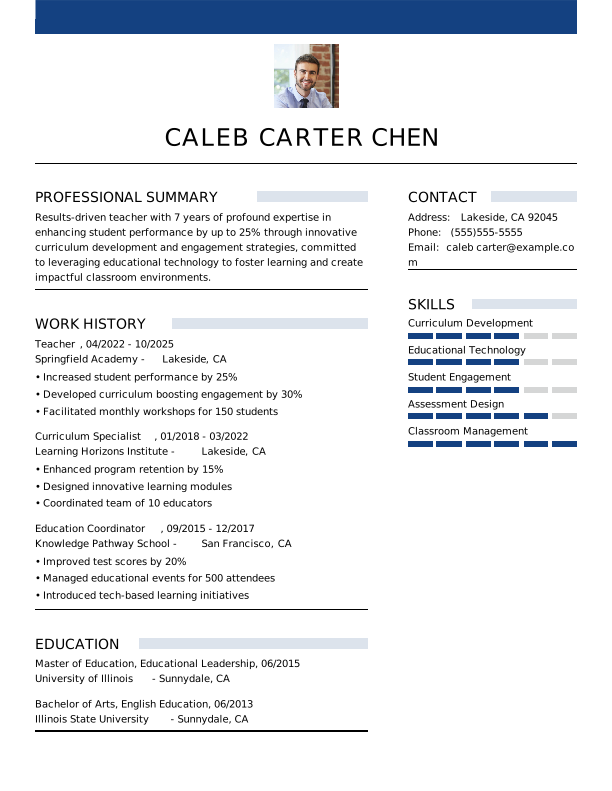

Modern Teacher Mid Level Resume: Loyal Blue color
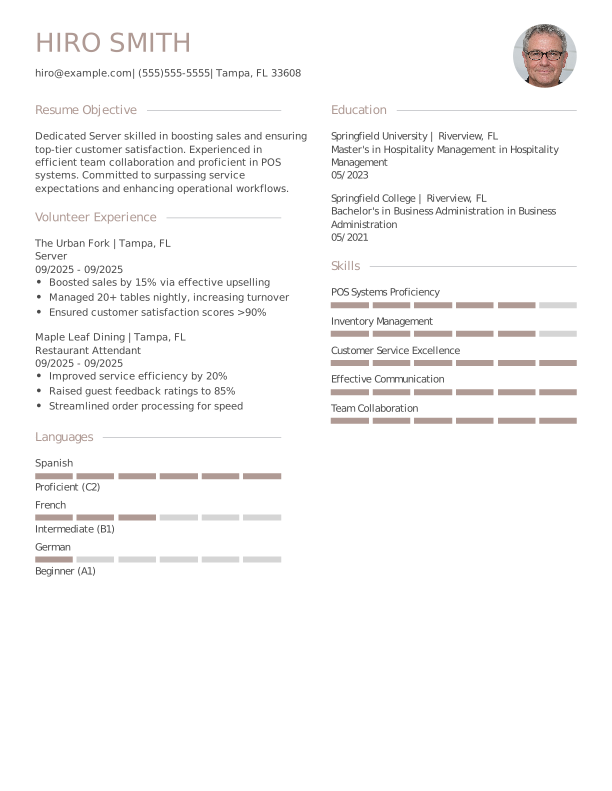
Modern Server Students Resume: Trusted Taupe color
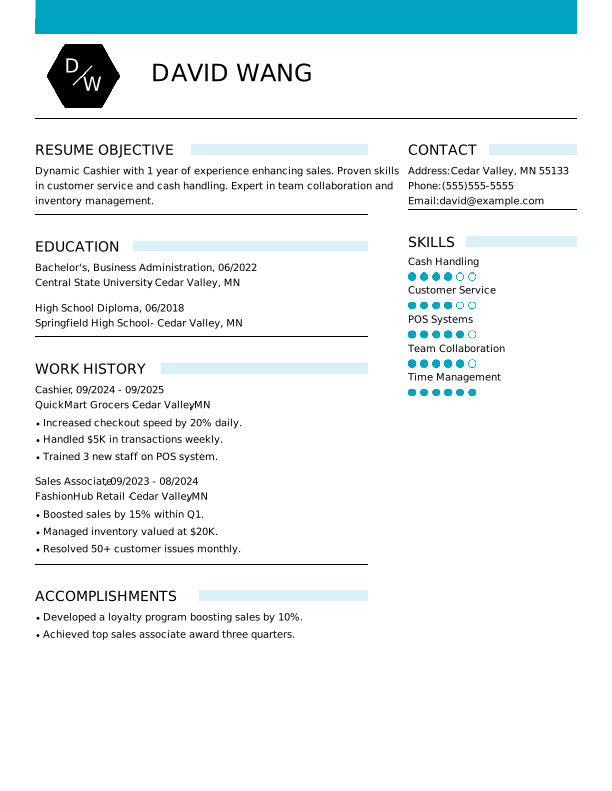
Modern Cashier Entry Level Resume: Team Teal color
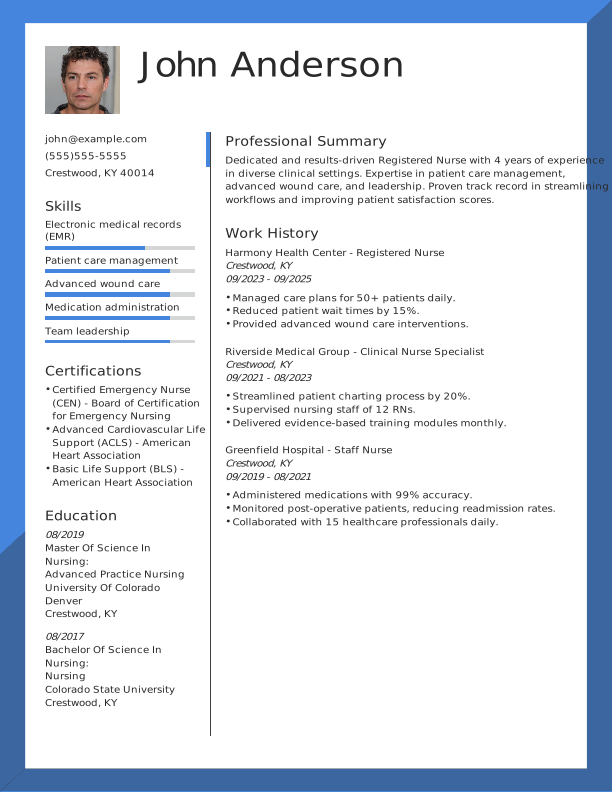

Modern Registered Nurse Mid Level Resume: Balanced Blue color
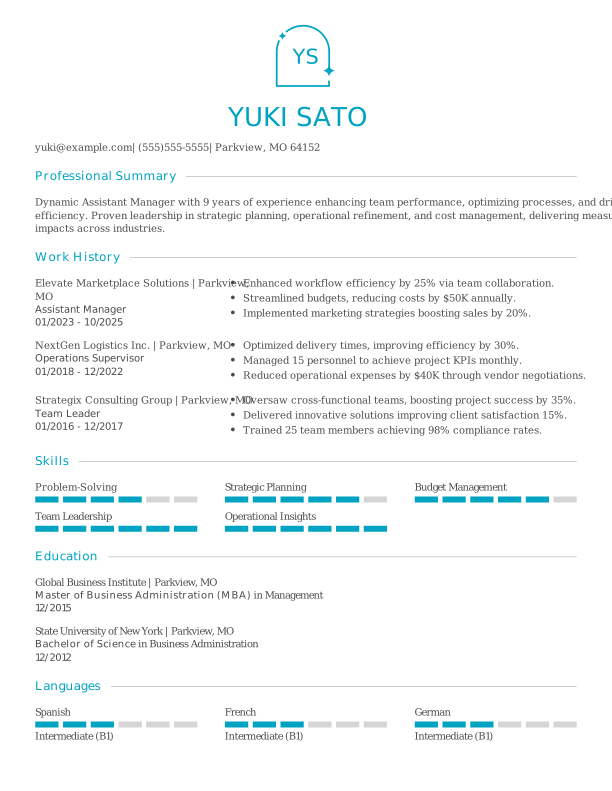
Modern Assistant Manager Mid Level Resume: Team Teal color
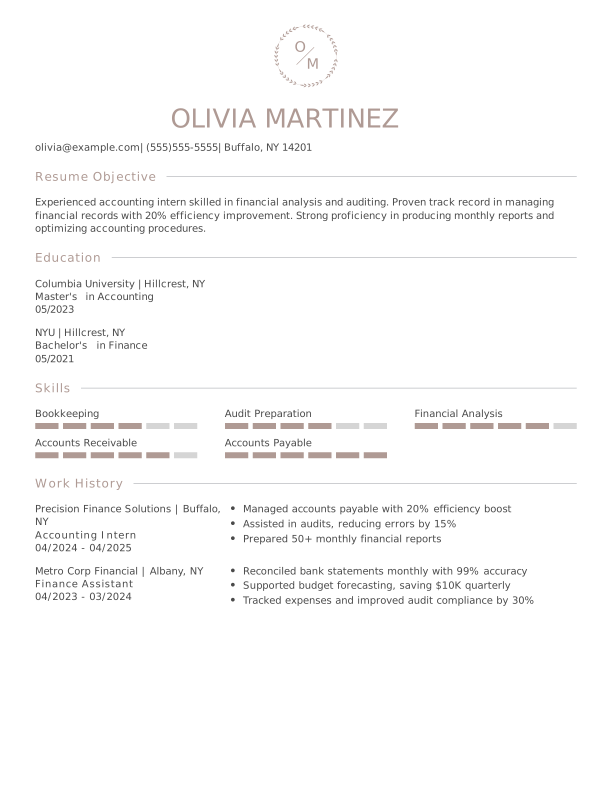
Modern Accounting Intern Entry Level Resume: Trusted Taupe color
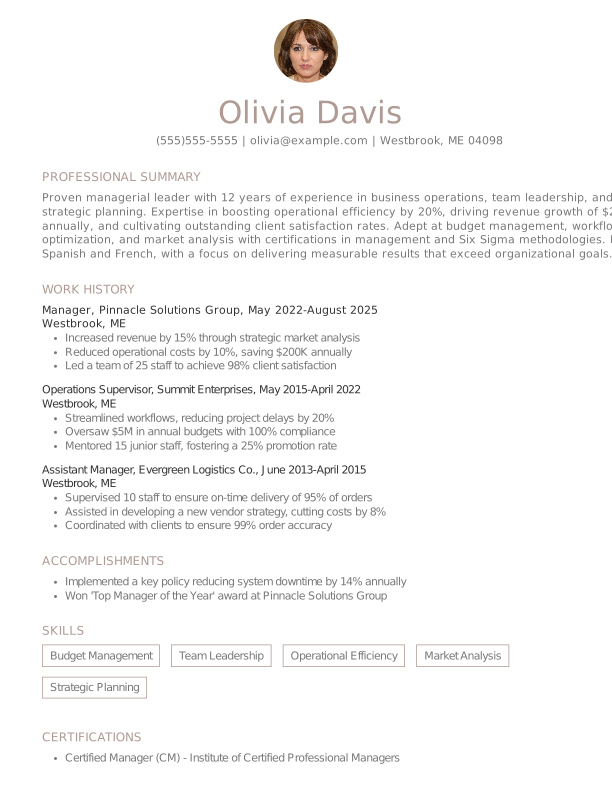

Classic Manager Experienced & Professional Resume: Trusted Taupe color
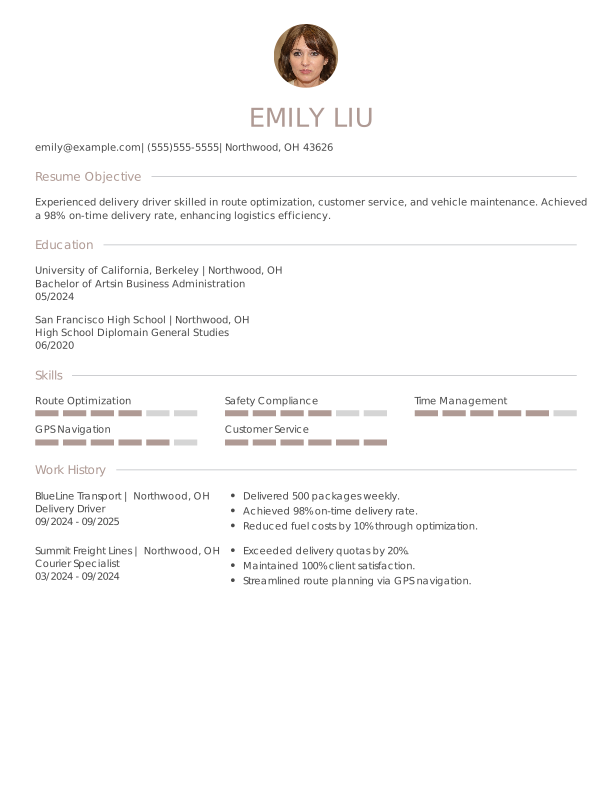
Modern Delivery Driver Entry Level Resume: Trusted Taupe color
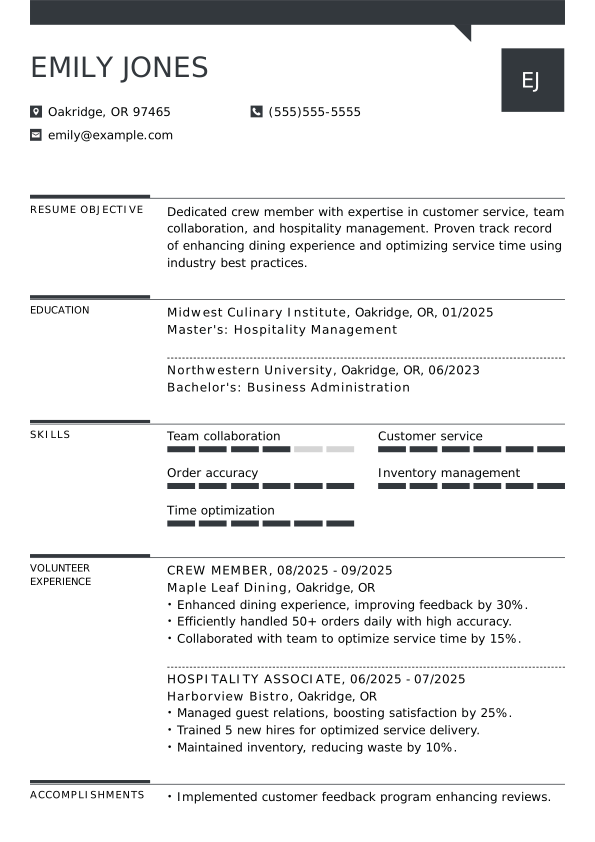

Creative Crew Member Students Resume: Assertive Asphalt color
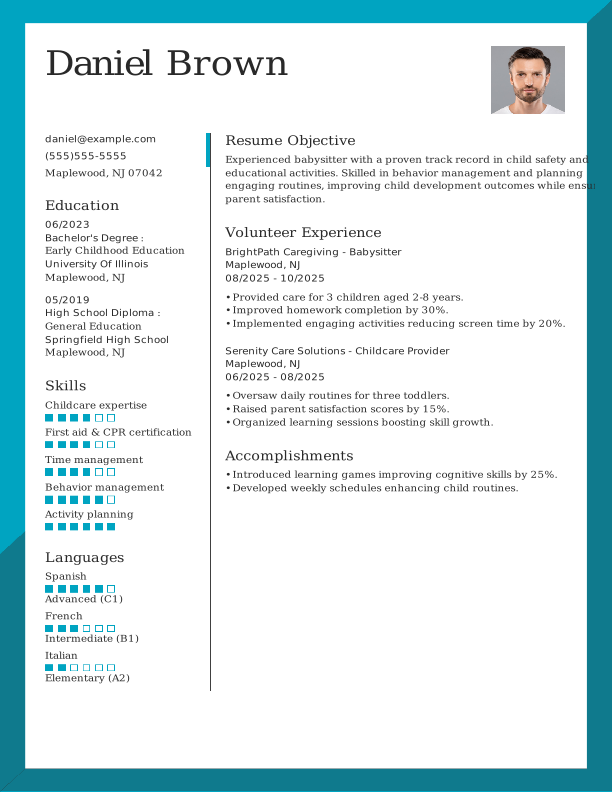
Modern Babysitter Students Resume: Team Teal color
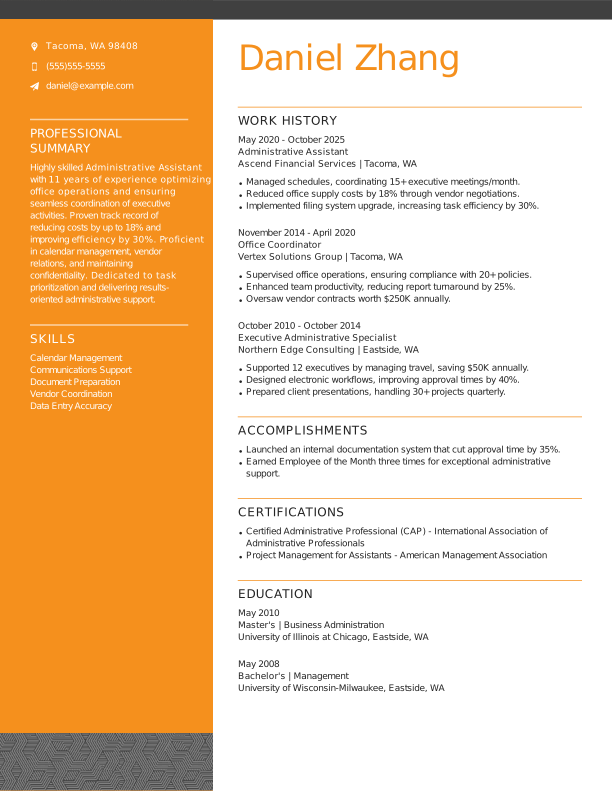
Creative Administrative Assistant Experienced & Professional Resume: Creative Marigold color
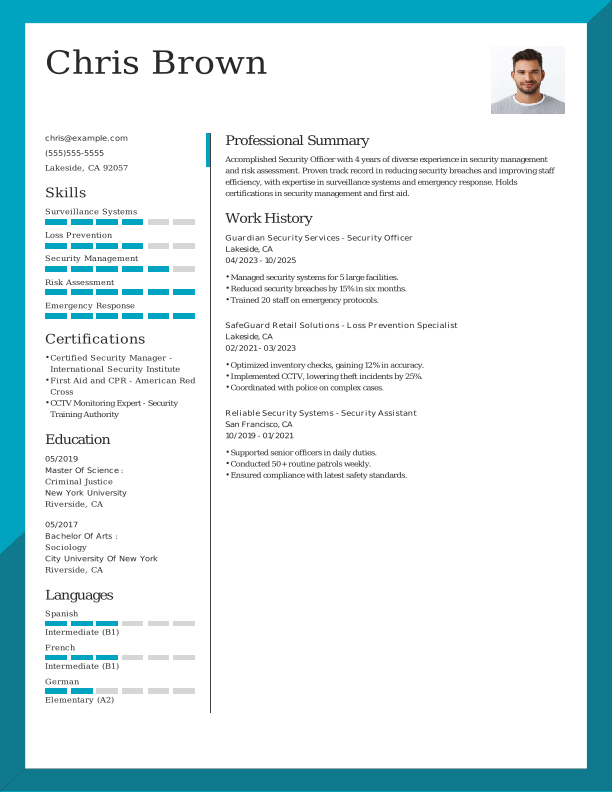
Modern Security Officer Mid Level Resume: Team Teal color
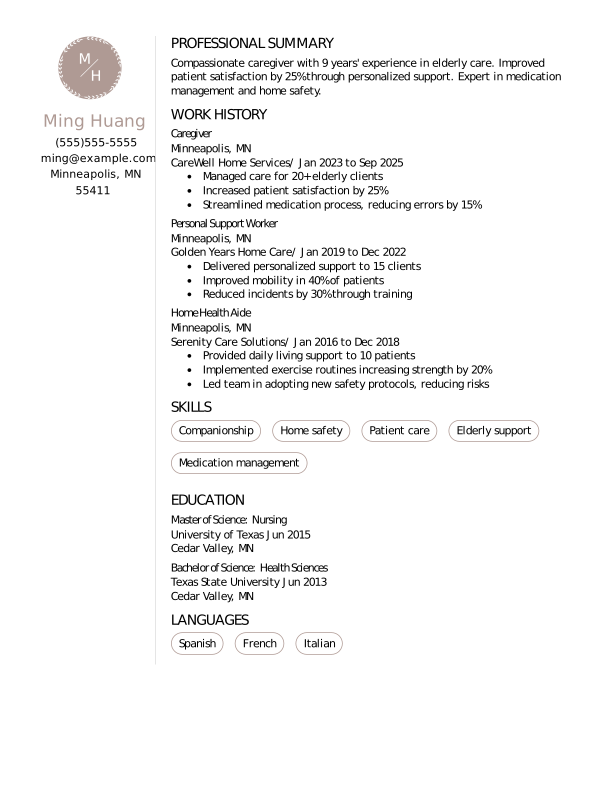
Creative Caregiver Mid Level Resume: Trusted Taupe color
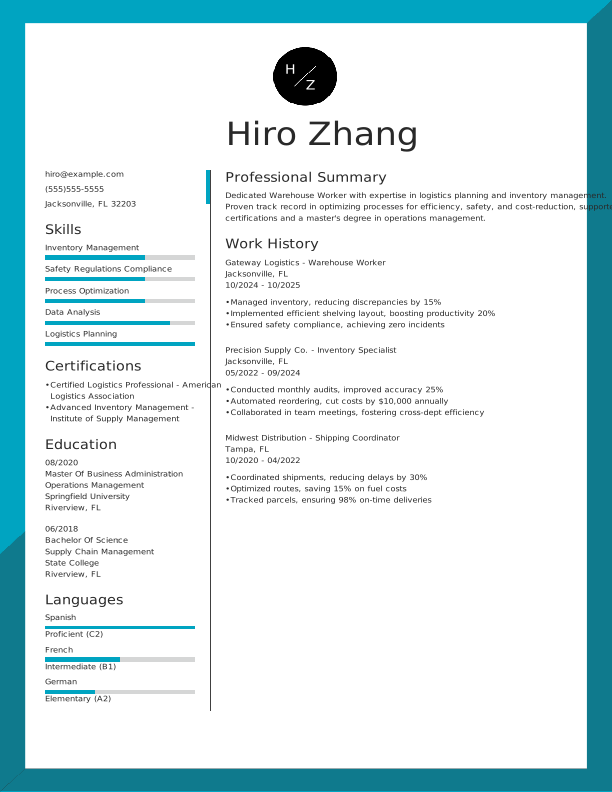
Modern Warehouse Worker Mid Level Resume: Team Teal color
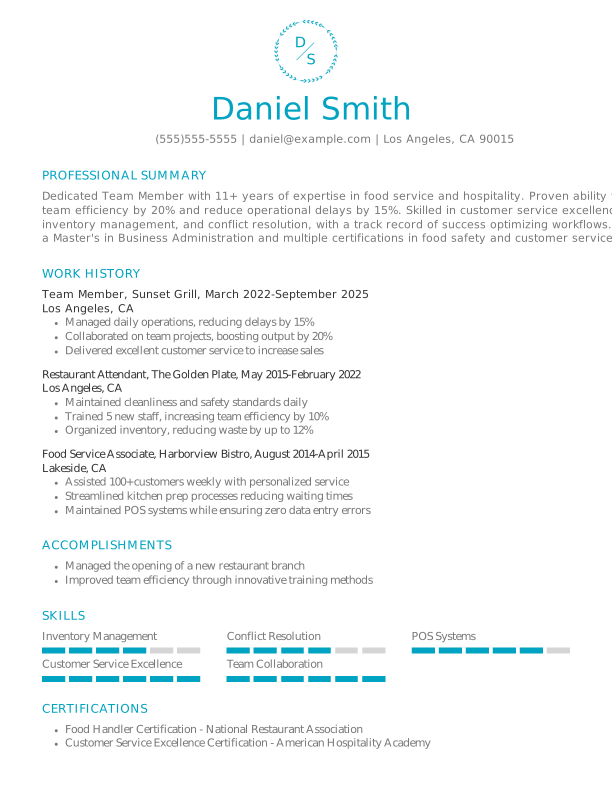

Classic Team Member Experienced & Professional Resume: Team Teal color
 Open Google Doc
  Download PDF
  Download Word Doc
 Example Resumes to Explore
Browse our library of resume examples to see how a resume template can be used for a specific industry or profession.


Make a Resume in 4 Simple Steps
Step 1
Pick your favorite template.
Step 2
Choose text to tell your story.
Step 3
Customize the design and formatting.
Step 4
Download in any file format you need.
Resume Now's Templates Are Highly Rated
Why Job Seekers Trust Our Resume Templates
Job seekers trust Resume Now’s resume templates because they combine polished design with proven functionality. They’re easy to tailor to any role, optimized for ATS compatibility, and structured to clearly highlight your strengths, helping you stand out in a competitive job market.

Enjoy a diverse selection of downloadable, free resume templates to help you get started.

Avoid those pesky, time-consuming formatting issues that come with creating a professional resume on your own.

Create as many resumes as you want from your computer or phone by using our builder’s AI-suggested text tailored to your industry.

Turn your template into a recruiter-approved resume in minutes using Resume Now's AI Resume Builder that guides you step by step.
How to Choose the Right Resume Format for You
Our selection of templates includes three standard resume formats, each designed for different experience levels. Learn how to choose the best resume format for your needs.
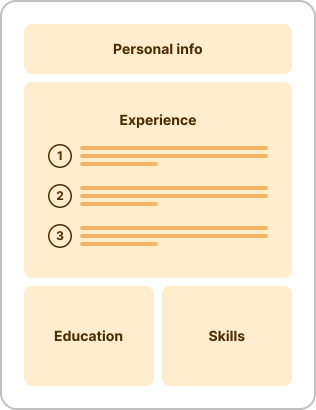
- You have consistent work experience you want to showcase.
- You’re applying for leadership roles that evaluate career growth.
- You’re seeking a promotion, either internally or externally.
- Your qualifications closely match the job description.
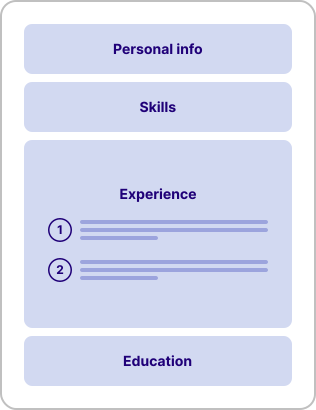
- You’re a student or recent graduate applying for your first job.
- You have limited work experience or gaps in your experience.
- You’re applying for an entry-level role, like a cashier or an assistant.
- You’re applying for jobs outside of your industry or field.
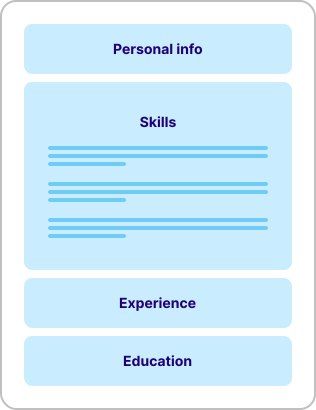
- You’re changing careers and want to focus on transferable skills.
- You’re a mid-career professional with gaps in your job history.
- You have a unique career history or inconsistent experience.
- You want to highlight a speciality, such as research skills.
Tips for Selecting a Resume Template That Stands Out
To stand out in a competitive job market, choose a template that matches your industry and customize it to highlight your most relevant skills and experience.
Step 1
Select an ATS-Compatible Template
Many employers use applicant tracking systems (ATS) to scan and organize resumes before they reach a hiring manager. Align with recruiters’ preferred resume formats by using ATS-safe resume templates with simple layouts, standard section headings, and clear fonts.
If your resume isn’t formatted correctly, the system may not read your information as intended, even if you’re highly qualified. For example, resume layouts that rely on graphics, columns, icons, or text boxes can interfere with how ATS software parses your content.
If you need help, use an ATS resume checker to scan your resume and get actionable tips for improving your score.
Step 2
Match Your Template to Your Industry
Once you’ve selected an ATS-friendly format, choose a design that aligns with your industry and role. Resume expectations can vary by field, so your template should reflect professional norms.
For example, traditional industries such as legal or finance may prefer a simple resume, while fields like art education might appreciate a more creative approach.
If you work in an academic field in the U.S., you may want to use a CV template instead of a standard resume, as academic employers typically expect more detailed credentials.
Step 3
Fill in Key Resume Sections
A resume can be broken down into five major sections that you’ll need to fill in:
- Header: Include your name, phone number, city and state, and email address, in addition to a link to your professional website, portfolio, or LinkedIn profile.
- Professional summary or resume objective: Highlight your most relevant qualifications in just a few sentences to position yourself as an exceptional candidate.
- Work experience: List your previous jobs in reverse-chronological order, beginning with the most recent, and use bullet points to highlight key accomplishments under each role.
- Skills: Include your hard and soft skills that align with the employer's needs.
- Education: List your highest obtained degrees, starting with the most recent.
If you have the space, you can add optional sections like certifications, awards, professional memberships, foreign languages, or volunteer work, as long as they’re relevant.
Step 4
Customize to the Job
Create a new resume for each job you apply to by focusing on your most relevant qualifications and using resume keywords from the job description. You can use the same resume template or choose a new one that matches the specific role and company.
You don't have to completely rewrite your resume. Even small adjustments, such as reordering bullet points or emphasizing relevant skills, can be enough to align your application more clearly with the hiring manager's needs.
For help customizing your resume, try Resume Now's Custom GPT for resume writing. This tool offers ready-to-use prompts and AI-backed insights to improve your resume.
Step 5
Include a Matching Cover Letter
Complement your resume with a cover letter that expands on your qualifications and explains why you’re a strong fit for the role. This is a sales pitch to leverage what makes you unique and build a direct connection with the reader.
Just remember to match your cover letter template with your resume template to create a more cohesive, professional application. At Resume Now, our AI Resume Builder and AI Cover Letter Generator give you the ability to do just that.
Frequently Asked Questions
Last Updated: May 11, 2026
Yes, it’s okay to use resume templates, and they’re a great way to save time and ensure your resume is properly formatted. A high-quality, clean resume template lets you customize without worrying about spacing, tabs, or other common formatting challenges.
Customize each template to match your experience, industry, and the specific job you’re applying for to stand out to hiring managers and showcase your fit for the role.
We offer a selection of free resume templates on this page that you can download and fill out as you like. We also provide a guide explaining how to use Resume Now’s basic features for free.
Using a free downloadable resume template comes with limitations. For the full experience, including our range of premium templates and features, you’ll want to sign up for our Resume Builder.
You use a resume template by replacing the placeholder content with your own information, including your work experience, skills, and education.
If you’re using Resume Now’s Resume Builder, you can select a template and receive helpful suggestions as you fill out each section. Start by choosing a template that fits your industry, then customize it to match the job you’re applying for while keeping the formatting clear and consistent.
The best resume formats are chronological, functional, and combination, as each supports different career situations. A chronological format highlights steady work history, a functional format focuses on skills, and a combination format blends both approaches.
Choosing the right updated resume format for your experience level and career goals helps you present your qualifications clearly and effectively.
The best template for a resume is one that aligns with your industry, job title, and career level. A simple, clean layout with clear headings and consistent formatting works best for most industries. Choose a template that’s easy to customize, avoids excessive graphics, and is ATS-compatible to improve your chances of being accurately read by applicant tracking systems and reviewed by hiring managers.
You can find free resume templates on Resume Now. Scroll up to view the available options, then use the “Price” dropdown filter and select “Free” to browse professional templates. You can open them in Google Docs or download them in PDF or Word format.
The standard resume format is the chronological resume, which lists your work experience in reverse-chronological order, starting with your most recent role. It typically includes sections for contact information, a summary or objective, work experience, skills, and education.
Hiring managers often prefer chronological resumes because they place work experience at the forefront, making it easy to quickly review your most recent roles and key accomplishments.


Here’s What Users Say About Our Resume Templates